
Turn Field Tickets Into Invoices – Fast
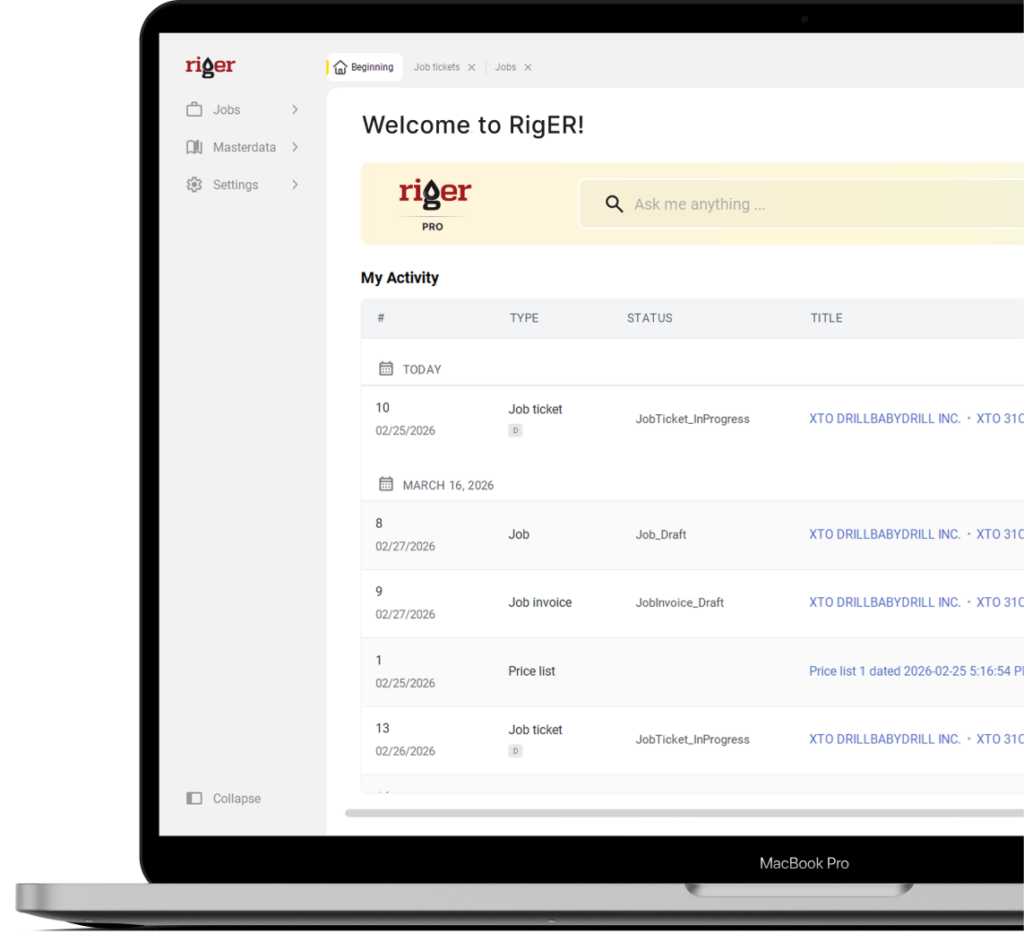
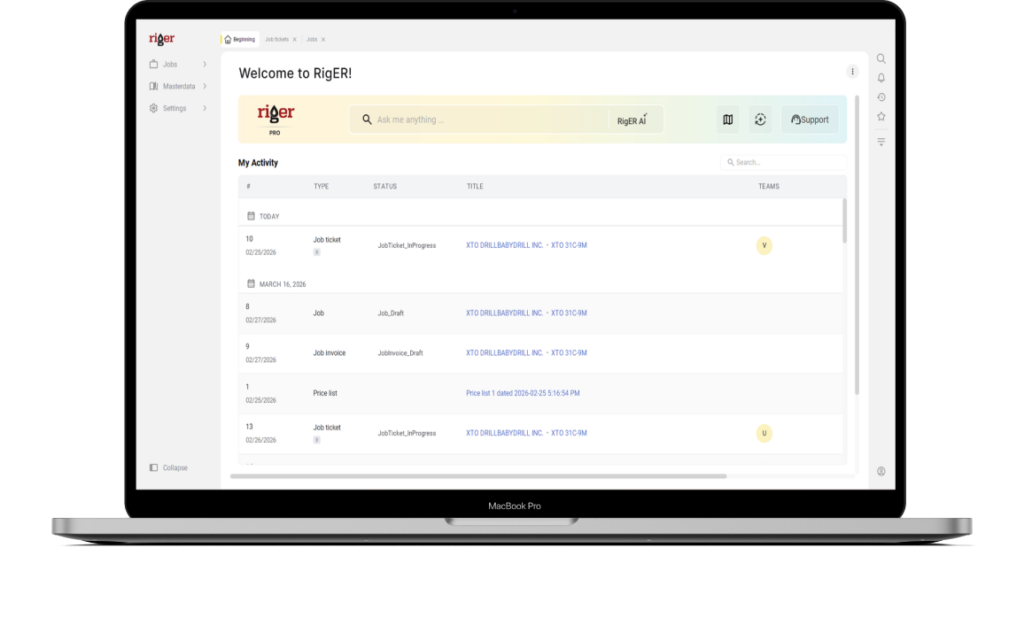
RigER PRO Cloud is where your office team reviews submitted field tickets, approves work, and generates invoices – without rebuilding job details or re-typing into accounting.

Trusted by 500+ Oilfield Service Companies






What’s inside
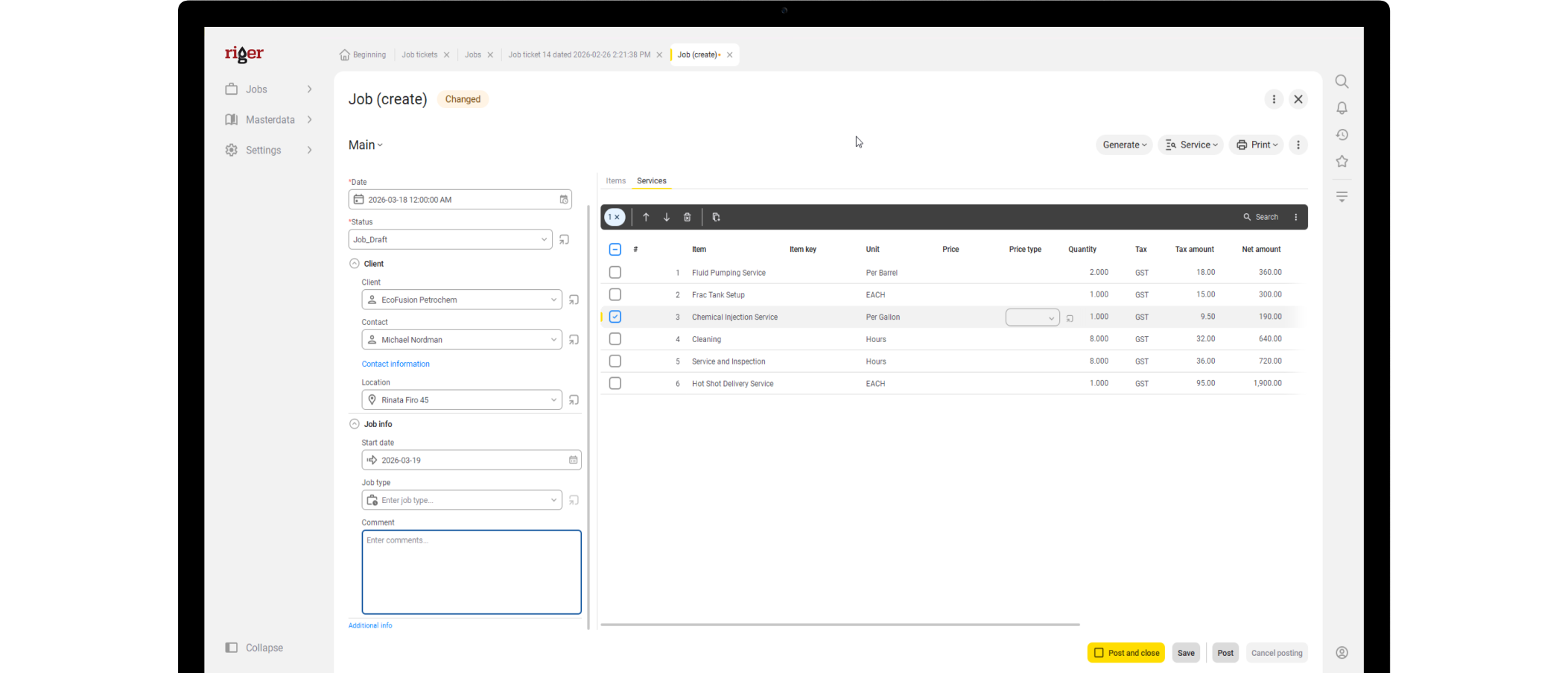
RigER PRO Cloud is the office command center for your field-to-invoice workflow. Create and assign jobs, review completed tickets, apply pricing, and generate invoices from clean field data – so you bill faster with fewer disputes.
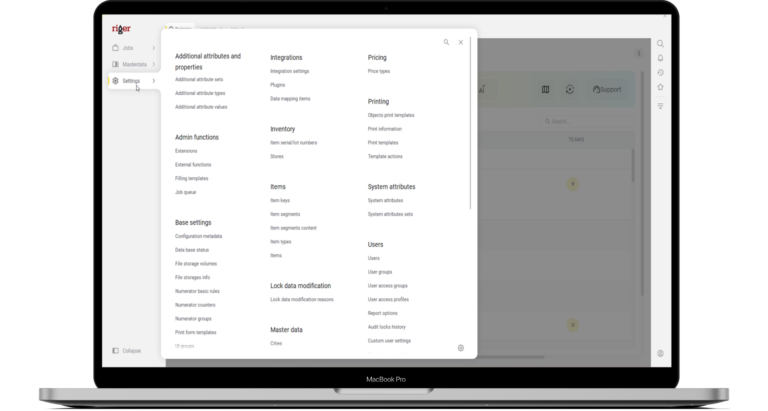
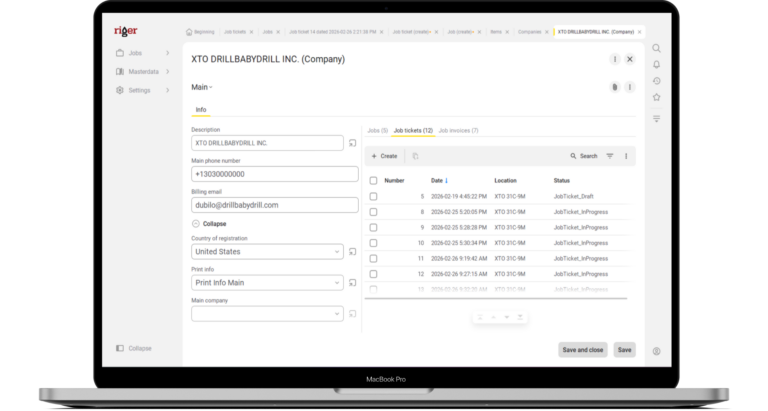
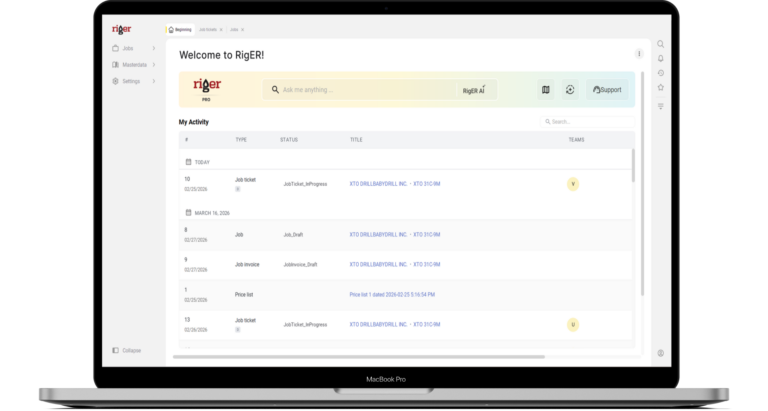
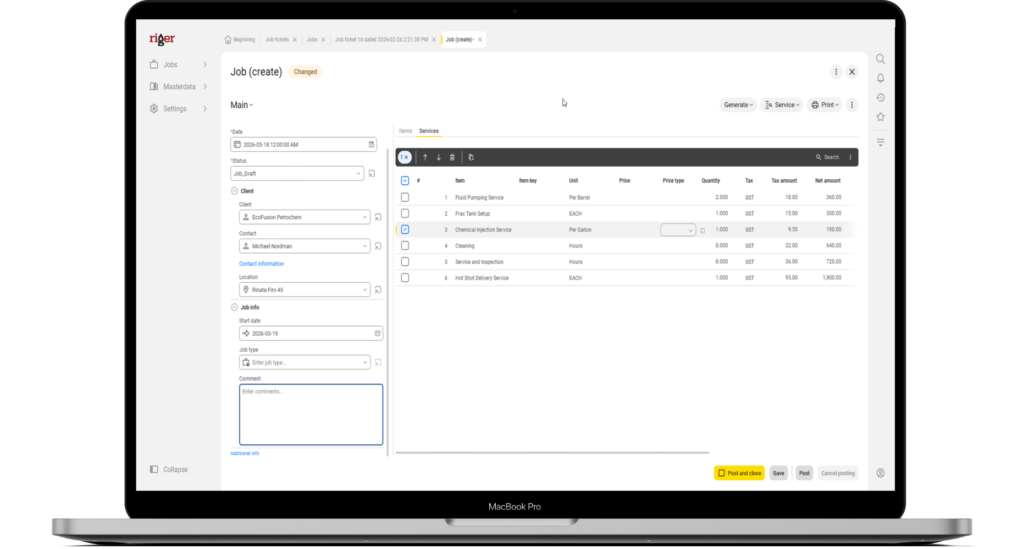
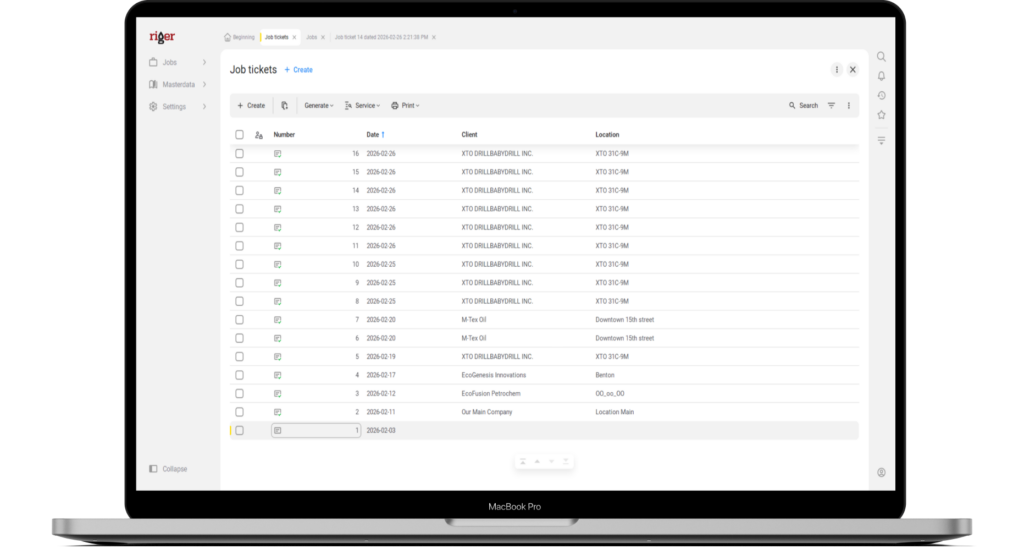
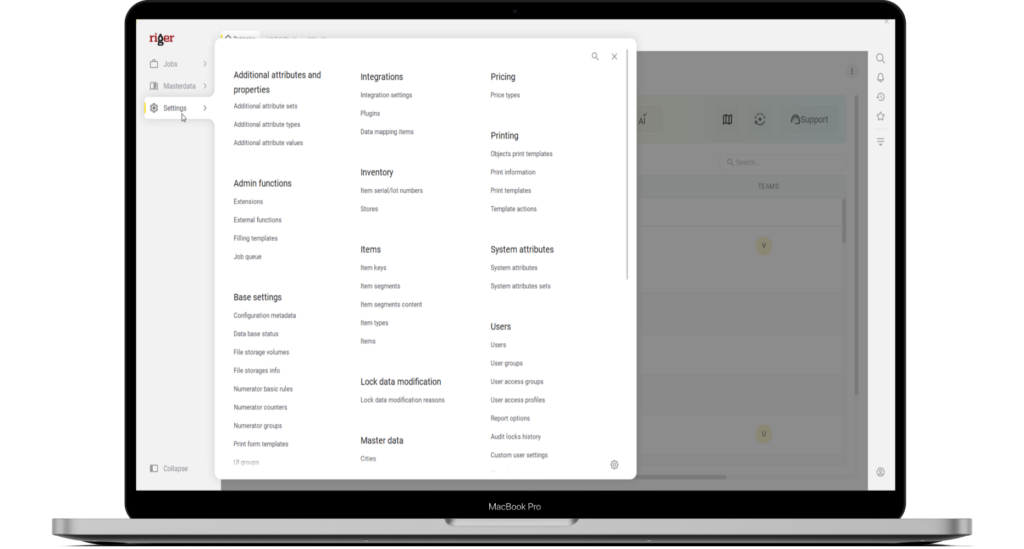
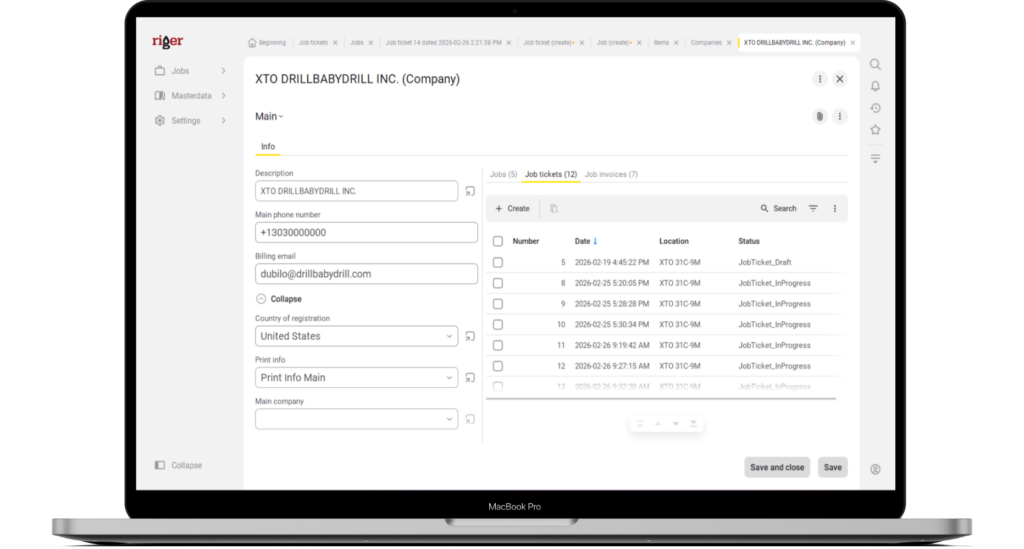
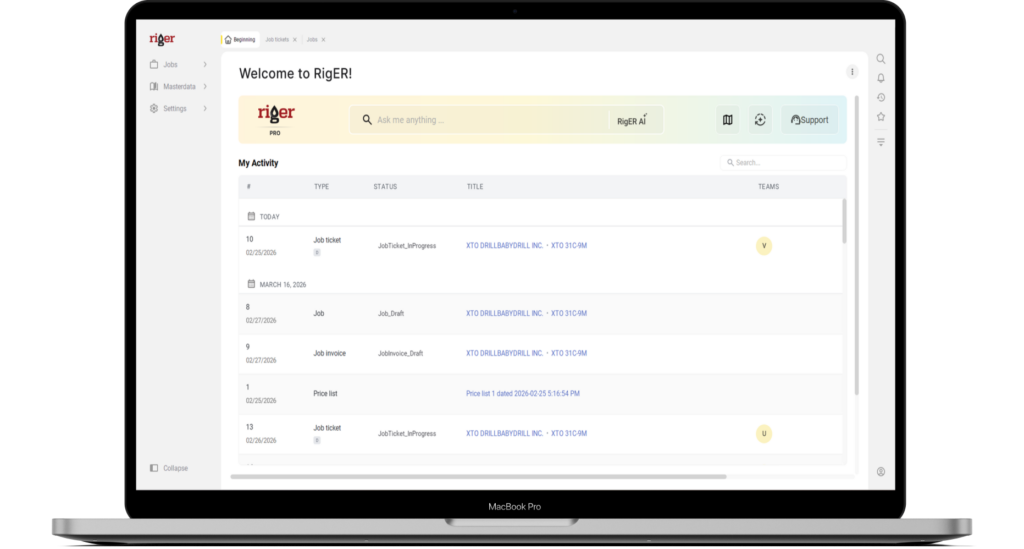
The office controls the workflow
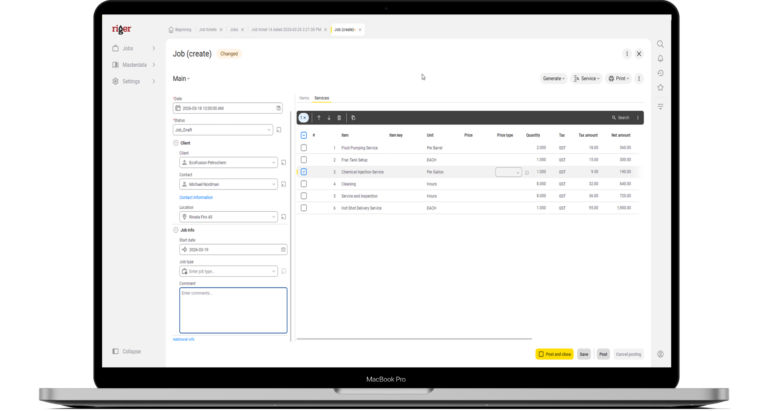
RigER PRO Cloud keeps dispatch, ops, and accounting in one system. Build the job once, assign it to the field, and track every ticket from submission → approval → invoice – without switching tools or chasing paperwork.
- Dispatch jobs before the crew leaves the yard
Build the job, prepare the field ticket, and assign it to a specific employee — all before they head to the site. - Own your pricing in one place
Maintain the master price list in the cloud. Updates apply across all new tickets instantly. - Everyone works from the same data
Dispatchers, sales, and accounting see the same jobs, tickets, and invoices — no version confusion.

Tickets come in. Invoices go out.
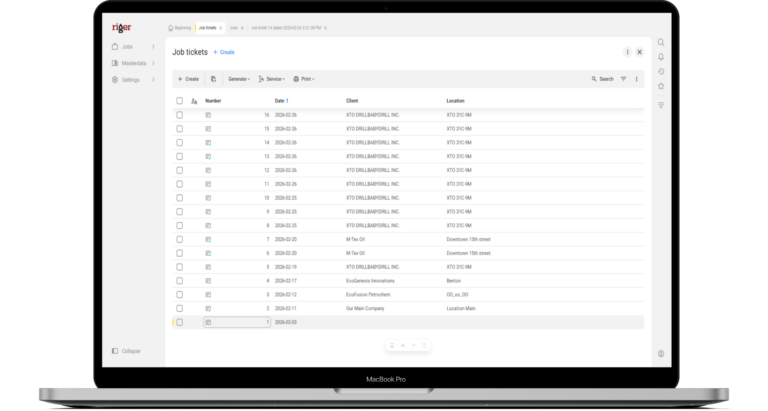
When the field submits a ticket, it hits the office ready to bill. No re-entry. No deciphering handwriting. Review for accuracy, approve, and generate an invoice directly from what happened on site – so you shorten the billing cycle and protect revenue.
- Review and invoice in minutes
Open the completed ticket, verify the details, generate the invoice. Done. - Full job history at your fingertips
Every job, ticket, and invoice is stored and searchable — no filing cabinets, no email threads. - Spot what needs attention fast
See which tickets are pending, which are ready to invoice, and which jobs are still in progress.

See RigER PRO Cloud in Action
Book a demo and we’ll walk through your exact field-to-invoice workflow – how jobs are created, how tickets arrive from the field, and how your office turns approved work into invoices.customer satisfaction ratings in the industry.
Need help?
Everything you need to know about the product and billing.
The office web application where your team manages jobs, reviews field tickets, generates invoices, and controls pricing – all in one place.
Dispatchers, salespeople, and accounting staff. Everyone works in the same system with access to the same jobs, tickets, and invoices.
Yes. Dispatchers or salespeople can create a job, prepare the field ticket, and assign it to a specific field employee before they head to the site.
Directly from completed field tickets. The office reviews the submitted ticket and generates the invoice from that data – no manual re-entry.
As soon as the field crew submits a ticket and has connectivity, it syncs to the cloud and is available for review and invoicing.