





1st Invoice

Mobile Field Tickets for Oilfield Services

Field-ready ticketing for smaller OFS. Zero setup. No IT required. Same-day results.
OILFIELD-FIRST. BUILT ON 13 YEARS OF EXPERIENCE
Hero-Section-RigER-PRO-Mobile1
hero-bg
WEBINAR
Introducing RigER PRO
Save Your Seat
WHAT IS RIGER PRO

Operations from Field to Finance

RigER PRO replaces paper field tickets with a mobile, offline-first workflow that moves completed work straight into the office and accounting. Capture clean job data at the wellsite, speed up approvals, and turn tickets into invoices faster – without spreadsheets, re-typing, or chasing signatures.

freepik__create-a-hyperrealistic-cinematic-image-of-an-oilf__55958
  • Eliminate-Paper-Chaos

    Eliminate Paper Chaos

    Paper tickets get lost, damaged, or show up late – creating billing disputes and missed revenue. RigER PRO captures the full ticket digitally at the job site: labor, equipment, materials, photos, and customer signatures. Clean, complete documentation from the start – ready to approve and bill.

  • Faster-Approvals

    Real-Time Visibility

    Stop operating blind between the field and the office. See job status, ticket progress, and crew activity in real time – even when the work happens offline and syncs later. Make faster decisions with accurate, up-to-date information.

  • Real-Time-Visibility

    Faster Approvals

    Supervisors review and approve tickets from their phone in minutes – not days. Built-in audit trails keep everyone accountable, and approvals don’t get stuck in texts, inboxes, or paperwork piles.

  • Get-Paid-Sooner

    Get Paid Sooner

    Most oilfield service companies wait 2–3 weeks from job completion to invoice. RigER PRO cuts that to days (or faster) by turning approved tickets into billing-ready data instantly – reducing DSO and improving cash flow without adding office staff.

100%
Oilfield-focused
13
Years building software
4
Countries served
3
Pricing tiers
How It Works

RigER PRO Workflow

A simple, mobile-first flow that takes you from field work to invoice – without the implementation burden of enterprise systems.

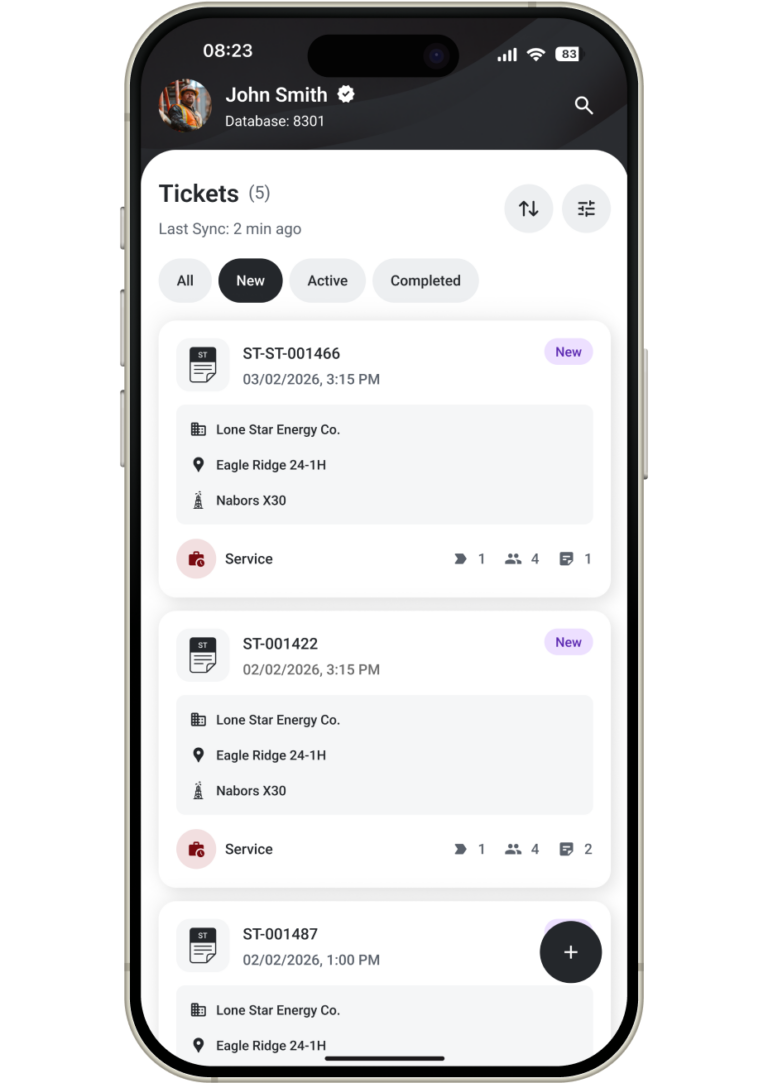
Field-Creates-Ticket-768x1083

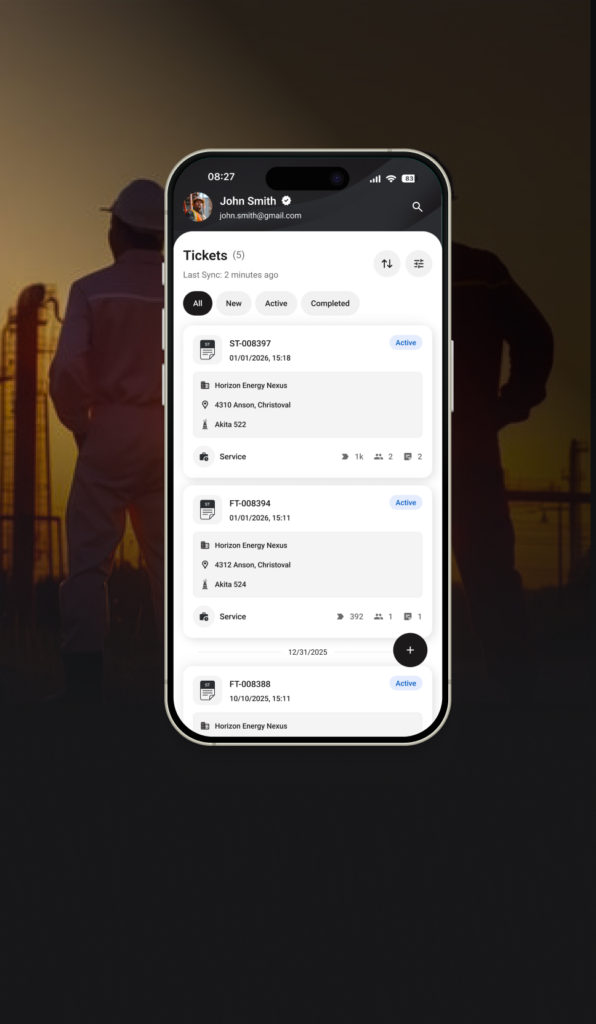
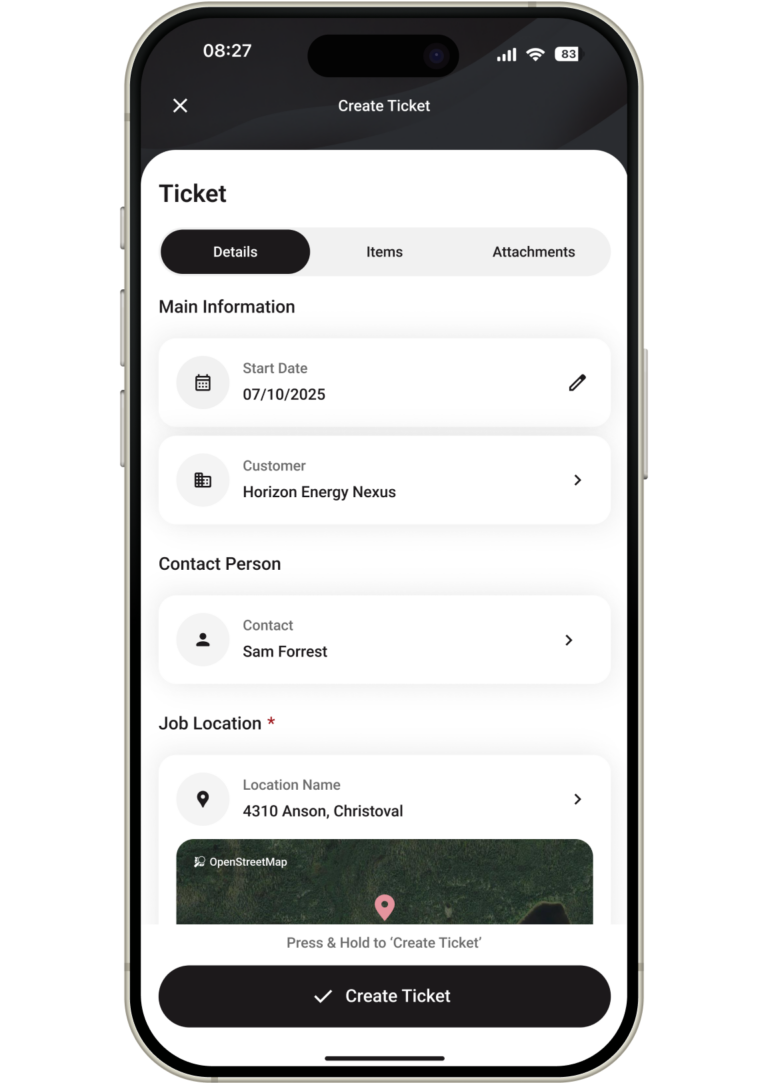
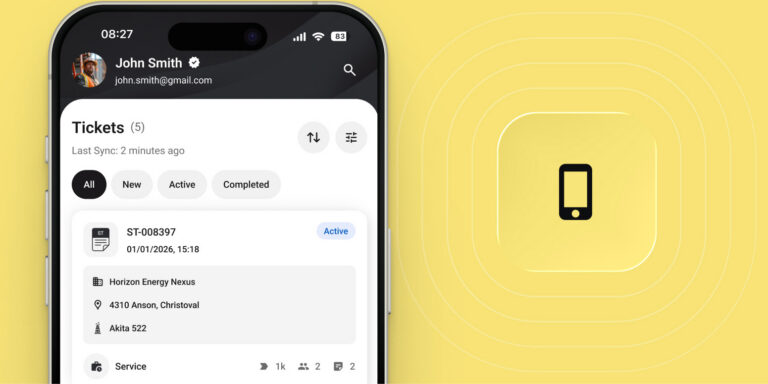
Technicians create a ticket on their phone – online or offline – right at the job site.

Capture labor hours, equipment used, materials consumed, photos of completed work, and customer signatures. Everything is recorded in one place, with timestamps and GPS data for full accountability.
No more scribbling on paper in the rain. No more illegible handwriting or missing fields. The mobile interface guides technicians through each step so nothing gets skipped.

Digital tickets are defensible documentation – clean, complete, and ready for approval the moment the job is done.

Your field crew spends less time on paperwork and more time on billable work.

2-1-768x1083

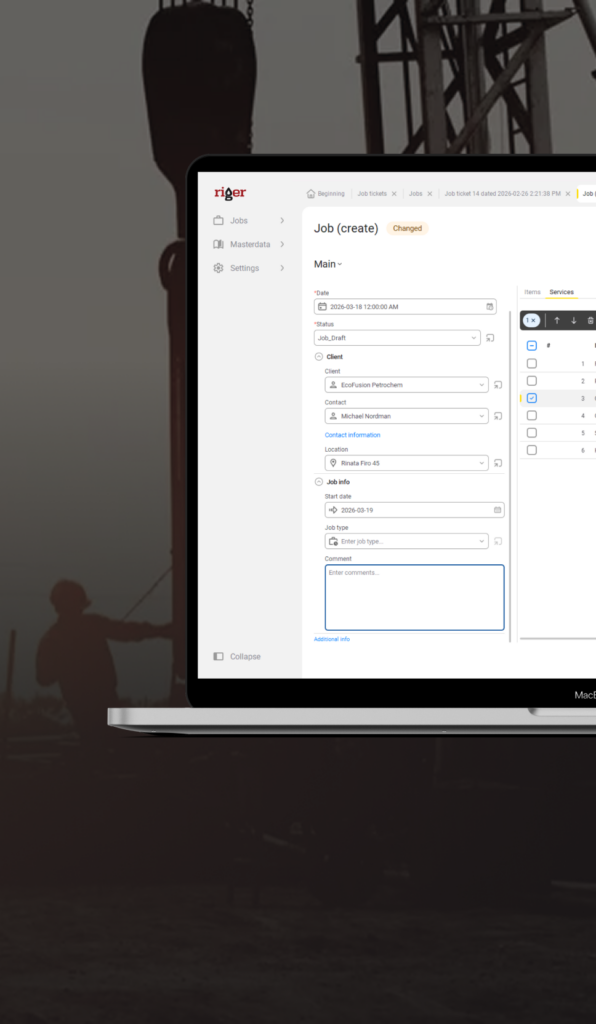
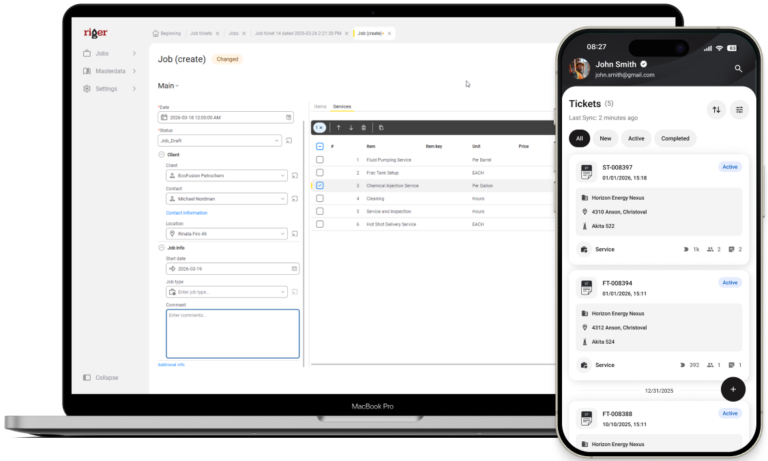
When a ticket is created, RigER Pro automatically generates the corresponding job record in the system.

No duplicate entry. No waiting for the office to manually set up a job. The connection between ticket and job is instant – keeping field and office perfectly aligned from the start.

Job details flow through automatically: customer, location, equipment, pricing, and scope. Dispatchers see the new job immediately and can track progress in real time.

This eliminates the back-and-forth that slows down operations. Your team stays focused on execution instead of administration.
One action in the field triggers the entire workflow – no extra steps required.

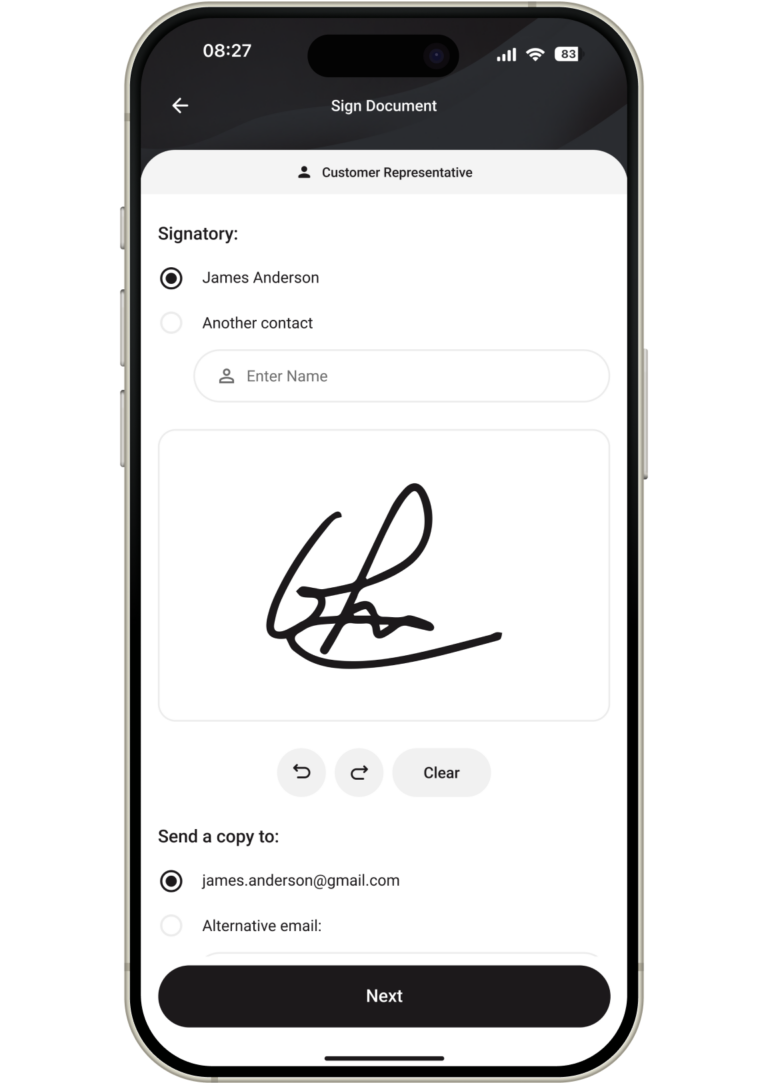
Field-Closes-Ticket-768x1083

When the work is done, the technician closes the ticket on their phone with final details and customer sign-off.

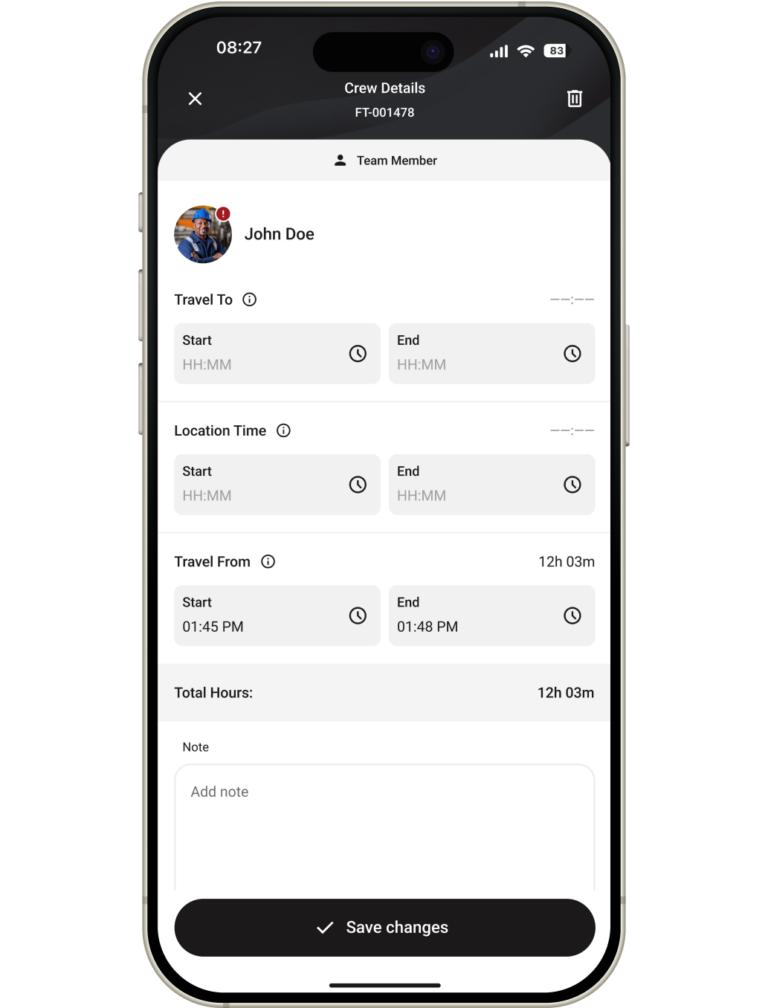
Capture actual hours worked, equipment returned, materials used, job notes, photos, and digital signatures – all before leaving the site. The customer confirms completion on the spot.

Closed tickets sync automatically to the office, even from remote locations with poor connectivity. No delays waiting for paperwork to arrive days later.

Supervisors see completed work immediately and can review for accuracy. Any corrections happen fast – while the job is still fresh.
Clean, complete tickets at close mean fewer disputes and faster billing downstream.

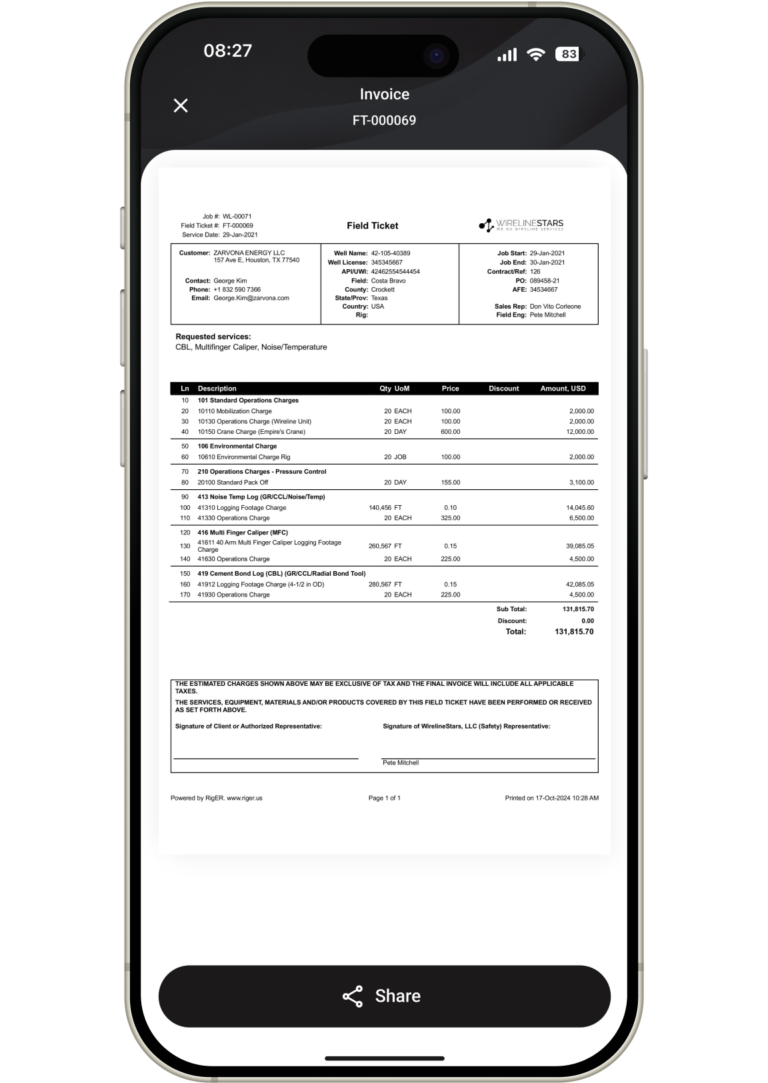
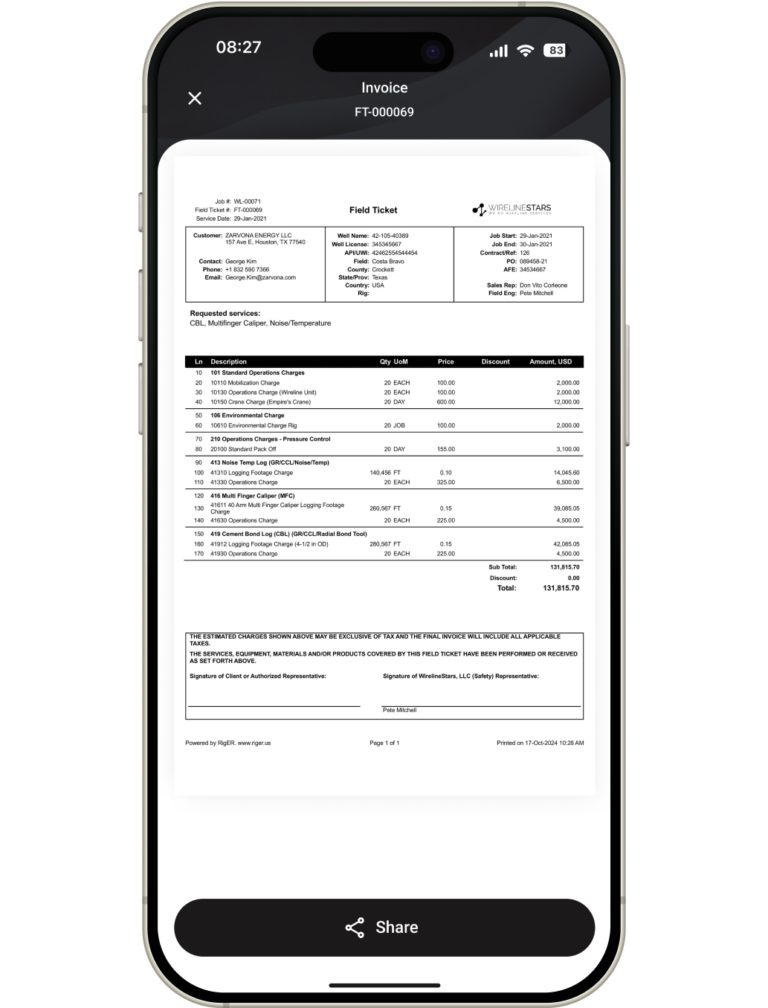
Invoice-is-Generated-768x1083

Once a ticket is closed, RigER Pro generates billing-ready data automatically.

No manual re-entry. No copy-paste errors. No hunting for missing information. The system pulls labor rates, equipment charges, and materials directly from the closed ticket.
Generate professional invoices in seconds – or batch multiple tickets into a single invoice for the same customer or project.

Invoices sync directly to QuickBooks without manual export. Revenue, costs, and customer balances stay accurate without reconciliation headaches.

Reduce the time from job completion to invoice from weeks to days – improving cash flow without adding office staff.

Digital Signatures & Photos

Capture customer sign-off and photo documentation on-site – right on the ticket. Create defensible, time-stamped records that reduce billing disputes, speed up approvals, and protect your revenue.

security-access

Offline-First Capability

Create tickets, capture signatures, and attach photos with zero cell service. RigER PRO stores everything on-device and syncs automatically when connectivity returns – built for remote wellsites and harsh conditions.

offline-access

Real-Time Job Visibility

Know what’s billable before the paperwork hits the office. Track job status, ticket progress, and approvals in one place so dispatch, ops, and accounting stay aligned – and issues get fixed while the job is still fresh.

optimized

Mobile-First Design

Built for technicians working in mud, rain, gloves, and time pressure. Fast inputs, simple screens, and a workflow designed for a phone – not a desktop form squeezed onto mobile.

Mobile-First-Design-768x384

AI and RigER Brain

Turn ticket data into faster decisions. RigER Brain helps spot patterns, surface exceptions, and reduce rework – so you can catch problems early and protect revenue.

ai-brain-768x395

Zero Implementation Burden

Go live in 30 minutes, not months. Self-serve setup, pre-built templates, and no IT project. Your crew can create the first ticket the same day.

role-based

Job Chat

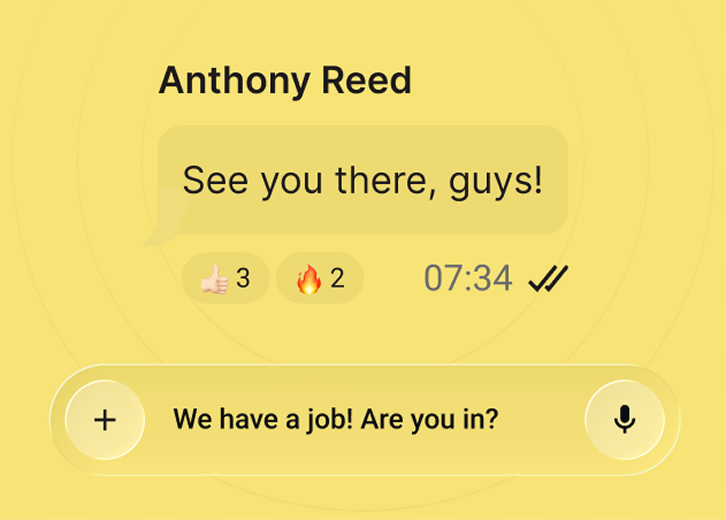
Keep job communication tied to the ticket. Questions, updates, and approvals stay in one place – so nothing gets lost in texts, calls, or scattered emails.

job-chat

QuickBooks Integration

Stop re-typing tickets into accounting system. Approved tickets flow into QuickBooks with clean, consistent data – fewer errors, faster invoicing, and a cleaner month-end close.

quick-books
FEATURES

Why RigER PRO?

RigER Pro is purpose-built for small and mid-sized oilfield service companies that need to move fast. It’s not a bloated enterprise system – it’s focused mobile field ticketing that your team can deploy today and use tomorrow.

Real-Time Job Tracking
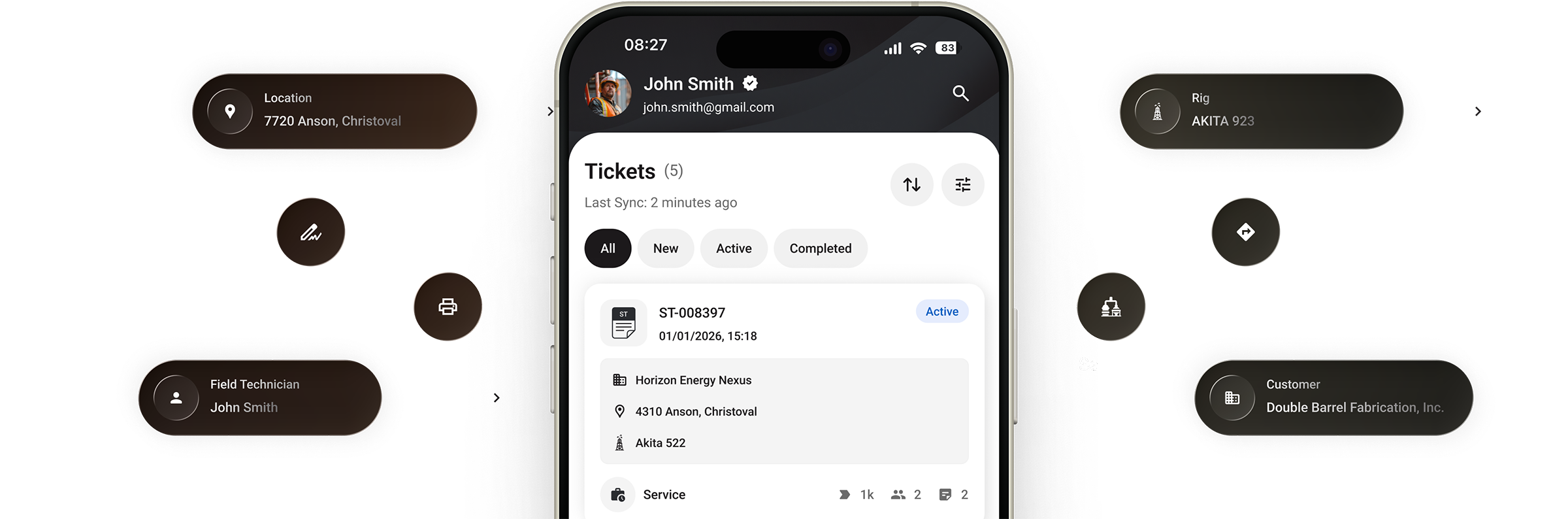
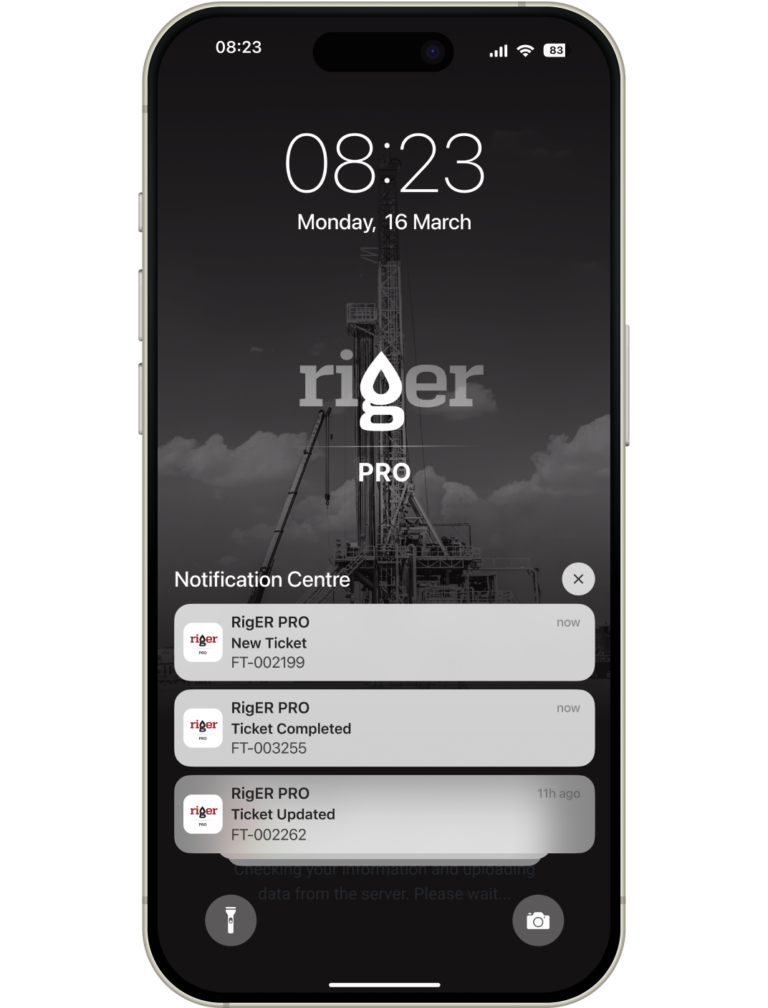
See every job’s status as it happens – created, in progress, completed, approved. Get push notifications when tickets are submitted or need attention. No more chasing updates or waiting for end-of-day reports. 1-FEATURES-Solution-Mobile-768x1008
Smart Invoicing
Equipment charges, and materials pull directly from the ticket. Batch multiple tickets into one invoice or generate per job – your choice. Smart-Invoicing-768x1008
Team Management & Permissions
Control who sees what. Set permissions by role – field techs, supervisors, dispatch, finance – so each team member gets the access they need and nothing they don’t. Add or remove users in seconds as your crew changes. Team-Management-Permissions-768x1008
Mobile Dispatching
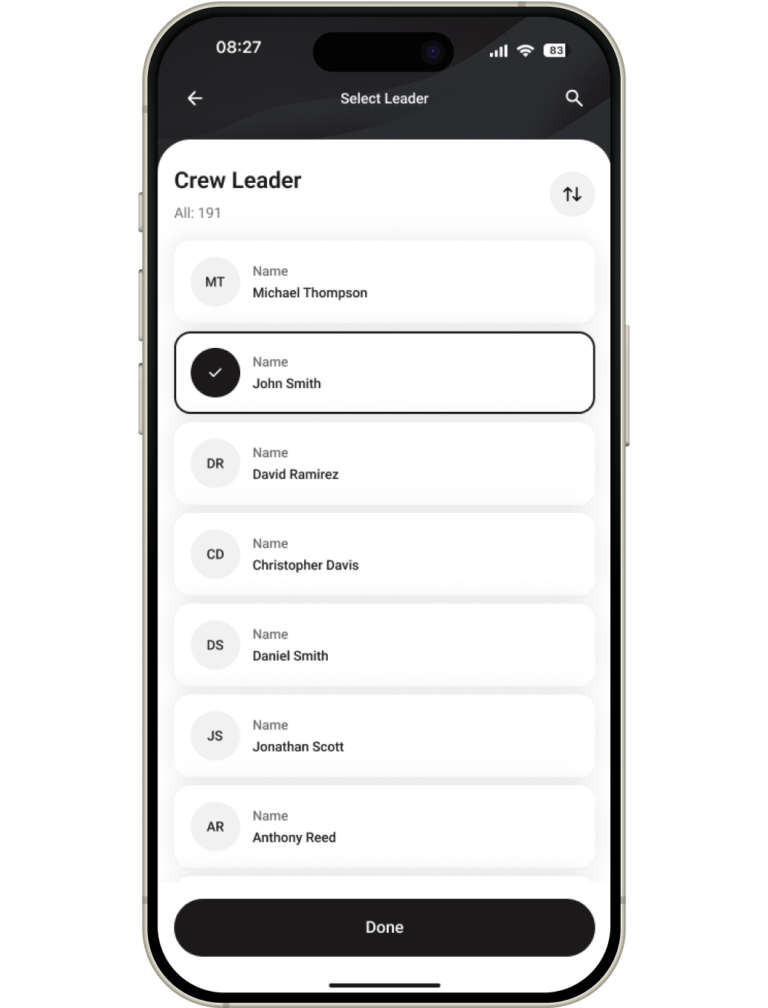
Assign jobs directly to technicians’ phones with one tap. Crew sees customer, location, equipment, and job scope instantly. Reassign on the fly when priorities shift – no calls, no confusion, no delays. Mobile-Dispatching-768x1008
1-FEATURES-Solution-Mobile-768x1008
Smart-Invoicing-768x1008
Team-Management-Permissions-768x1008
Mobile-Dispatching-768x1008
Join Today!

See RigER PRO in Action

Book a demo and we’ll show you how field crews create tickets on site, capture signatures and photos, and send clean data to the office – even from remote locations with no cell service.

CTA-Product-2-1-768x461
COO, Vapor Point

Sean Kirkpatrick

“At first we tried to develop an in-house database system to track equipment and electronic tickets. Development lasted over four years, but we needed a product that could fully support what we do. And RigER did exactly that.

We chose RigER because it met a lot of our needs for Equipment Tracking, Proposal Development and Electronic Field Ticket generation. And one of the main key factors in our decision was the ability to customize the RigER platform to match up with Vapor Point work processes.”

Plans

Roughneck
Supervisor
Manager
Recommended Team Size
1 – 5 Users
2 – 10 Users
5 – 50 Users
Data Hosting Limit
Mobile Application
Web Access
Desktop Application
Job Notifications
Price Lists
Jobs
Field Tickets
Invoices
Data Export (.csv, .xlsx)
Basic Reports
Data Import (.csv, .xlsx)
Timesheets
Email Notifications
Client Price Books
Ticket Approval Workflows
Dispatching and Scheduling
Departments
Parts Tracking and Safety Stock
Parts Transfers
Parts Bill (Purchases)
Job Costing
Advanced Reports
Recommended Team Size
Roughneck
1 – 5 Users
Supervisor
2 – 10 Users
Manager
5 – 50 Users
Data Hosting Limit
Roughneck
Supervisor
Manager
Mobile Application
Roughneck
Supervisor
Manager
Web Access
Roughneck
Supervisor
Manager
Desktop Application
Roughneck
Supervisor
Manager
Job Notifications
Roughneck
Supervisor
Manager
Price Lists
Roughneck
Supervisor
Manager
Jobs
Roughneck
Supervisor
Manager
Field Tickets
Roughneck
Supervisor
Manager
Invoices
Roughneck
Supervisor
Manager
Data Export (.csv, .xlsx)
Roughneck
Supervisor
Manager
Basic Reports
Roughneck
Supervisor
Manager
Data Import (.csv, .xlsx)
Roughneck
Supervisor
Manager
Timesheets
Roughneck
Supervisor
Manager
Email Notifications
Roughneck
Supervisor
Manager
Client Price Books
Roughneck
Supervisor
Manager
Ticket Approval Workflows
Roughneck
Supervisor
Manager
Dispatching and Scheduling
Roughneck
Supervisor
Manager
Departments
Roughneck
Supervisor
Manager
Parts Tracking and Safety Stock
Roughneck
Supervisor
Manager
Parts Transfers
Roughneck
Supervisor
Manager
Parts Bill (Purchases)
Roughneck
Supervisor
Manager
Job Costing
Roughneck
Supervisor
Manager
Advanced Reports
Roughneck
Supervisor
Manager
Riger-PNG-Transparent-Background-150x150

Need more functionality?

If you can’t find the feature you need or require more advanced functionality, explore RigER Enterprise for expanded capabilities.

FAQ

Need help?

We’ve got you covered with quick answers to popular questions.

Why does offline mode matter?

Remote wellsites often have zero cell service. RigER PRO Mobile stores tickets on-device and syncs automatically when connectivity returns – so your crew never loses work and billing isn’t delayed by connectivity gaps.

Do field crews need internet to use the app?

No. The app works fully offline. Tickets are saved on the device and sync to the cloud automatically when connectivity returns.

Can field employees adjust pricing on a ticket?

Yes. Standard rates load from your company price list, but crews can adjust pricing at the job or ticket level when needed.

What happens after a field ticket is submitted?

It syncs to the cloud and becomes available in the office web app. The office can then generate the invoice directly from the completed ticket.

Can one job have multiple field tickets?

Yes. RigER PRO supports both single-ticket and multi-ticket jobs.

Does the job have to start in the office?

No. Jobs can be initiated by field crews on demand or dispatched from the office — both workflows are supported.

What information does the field crew enter on a ticket?

Customer, location, services provided, and pricing. All fields are structured so nothing gets missed.

Is RigER PRO Mobile a standalone product or part of RigER?

RigER PRO is a streamlined field ticketing and invoicing platform – the mobile app works together with the cloud-based office web app.

Join Today!

See RigER PRO in Action

Book a demo and we’ll show you how field crews create tickets on site, capture signatures and photos, and send clean data to the office – even from remote locations with no cell service.

CTA-Product-2-1-768x461

Stay Updated on Webinars

Get notified about new webinars, product updates, and live sessions.

hero-bg