Electronic Field Tickets for Rugged Oilfield Operations
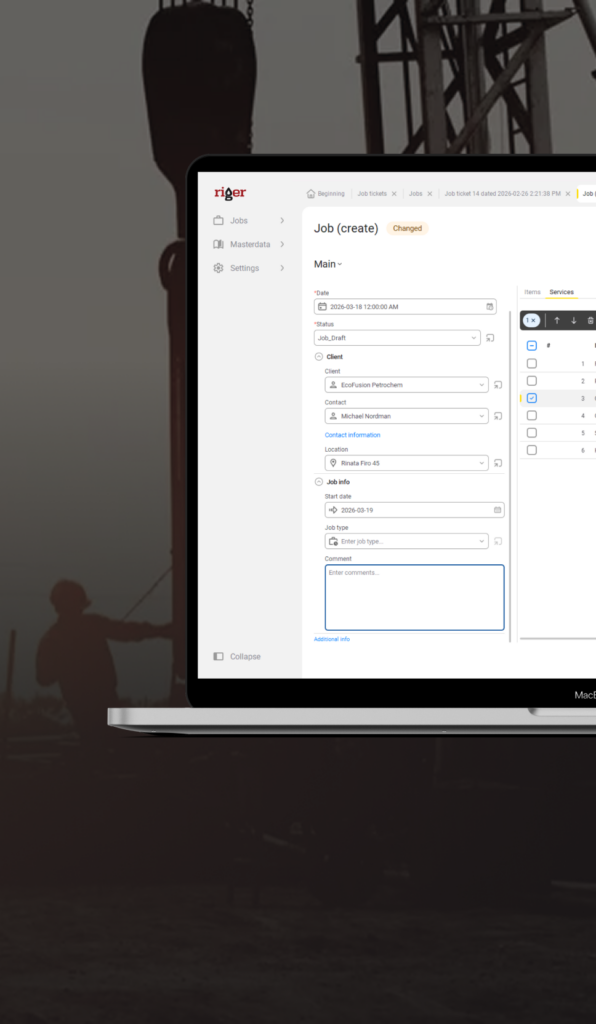
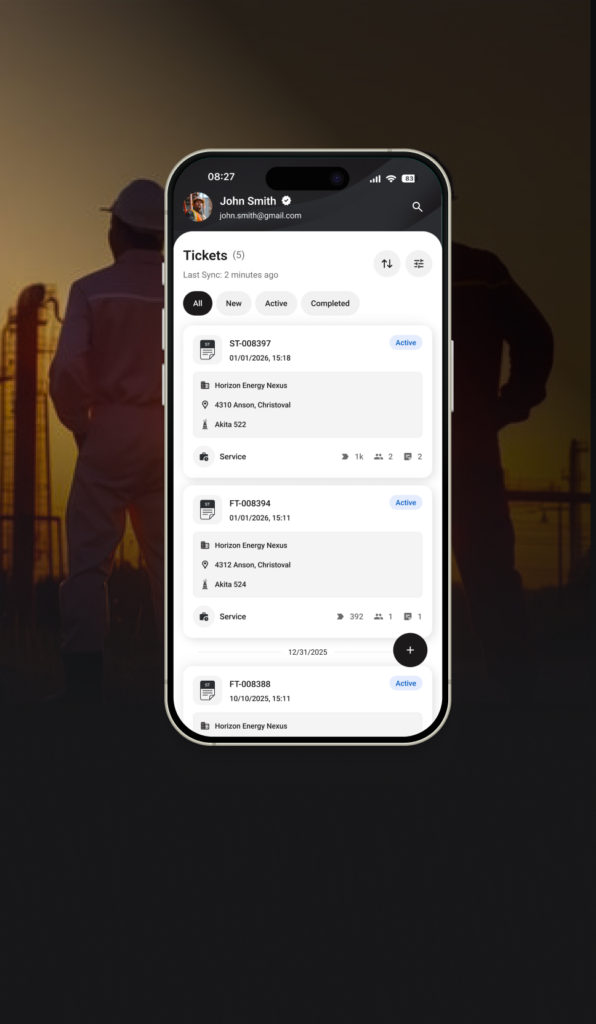
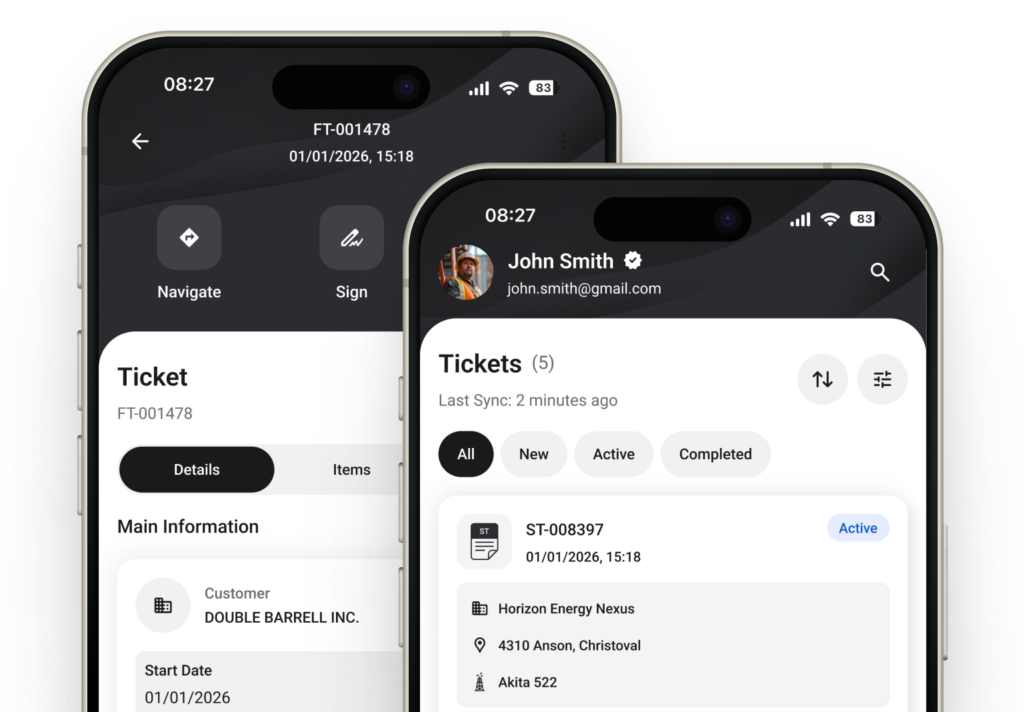
Fieldwork should not end with hours of filling out paperwork. Electronic field tickets for the oilfield in RigER PRO Mobile help technicians capture data directly on-site, even without a stable connection, and allow the office to receive it without unnecessary phone calls, paper paperwork, or re-entering information.

Stop Losing Job Details Between the Field and the Office
Handwritten records, verbal agreements, and attempts to reconstruct events after a long shift create unnecessary risks. Oilfield data capture software allows capturing information at the moment the work is performed, when all details are still available to the technician.
- Capture details while the job is fresh
Client, location, services, volumes, photos, and supervisor signature are added right away. From now on, there is no need to rely on memory or transfer details into the system at the end of a 12-hour shift. - No more chasing signatures and approvals
A completed ticket can be submitted directly from the job site. The office receives data without trips to the yard, scanning documents, or forwarding photos of paper records. - Spend time on the job, not on admin
Structured digital forms help fill out tickets quickly without duplicating information or rewriting notes. A paperless workflow optimizes the operation of the “Dispatch – Field crew – Invoicing” chain.

What Field Technicians Actually Need on Site
Remote sites, unstable connection, and changes in job scope are a normal part of oilfield operations. The oilfield data capture app RigER PRO is created so that these circumstances do not interfere with administrative work.
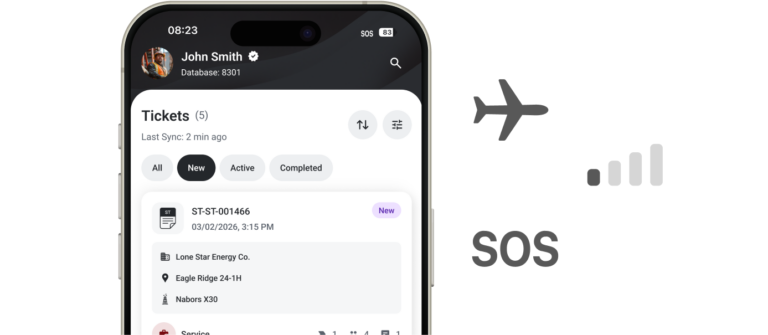
Works without cell signal
RigER PRO supports offline-first. A technician can create and fill out tickets in dead zones without cellular coverage, and the data syncs after the connection is restored.
Structured ticket format
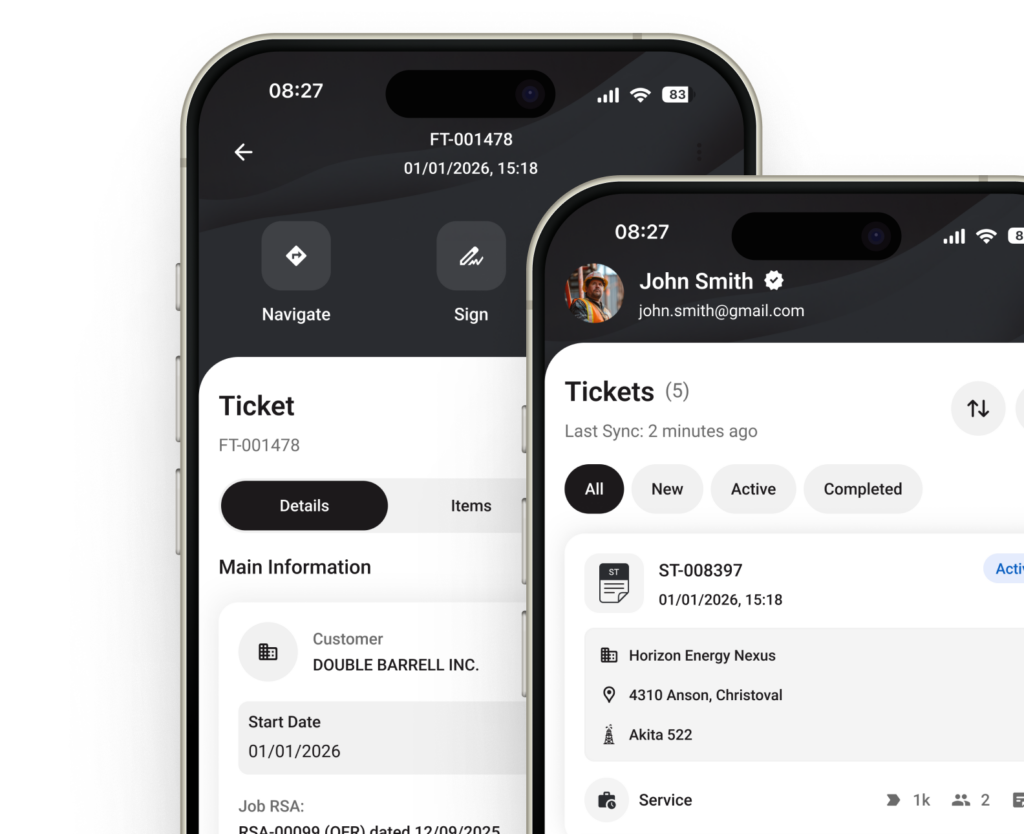
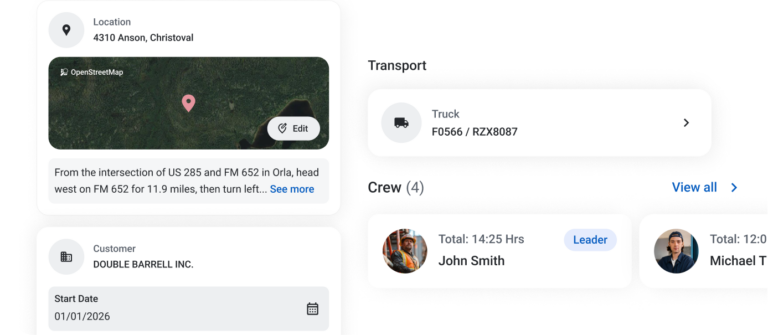
Electronic field tickets for the oilfield “guide” the technician through all the necessary steps of filling out. Client, location, services, volumes, and prices are captured in a single structure, so important data is not left overlooked.
Instant delivery to the office
After sending, the ticket goes directly to the office cloud application. Instead of evening scanning and forwarding of documents, the team receives digital information directly from the work site during active labor hours.
One app for any job type
A task can come from dispatch or be created directly in the field. Oilfield data capture software supports both scenarios within a single workflow — from service work to operations related to rental equipment.
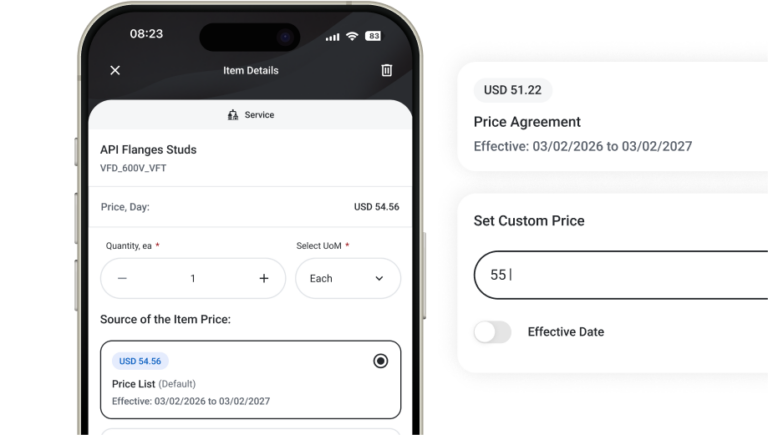
Pricing at your fingertips
Standard rates are pulled from the company’s general price list. If the job scope changes, the technician can make agreed adjustments without an additional call to the office.
RigER PRO Workflow
RigER PRO combines fieldwork, documentation, and invoice preparation into a single consistent digital process.
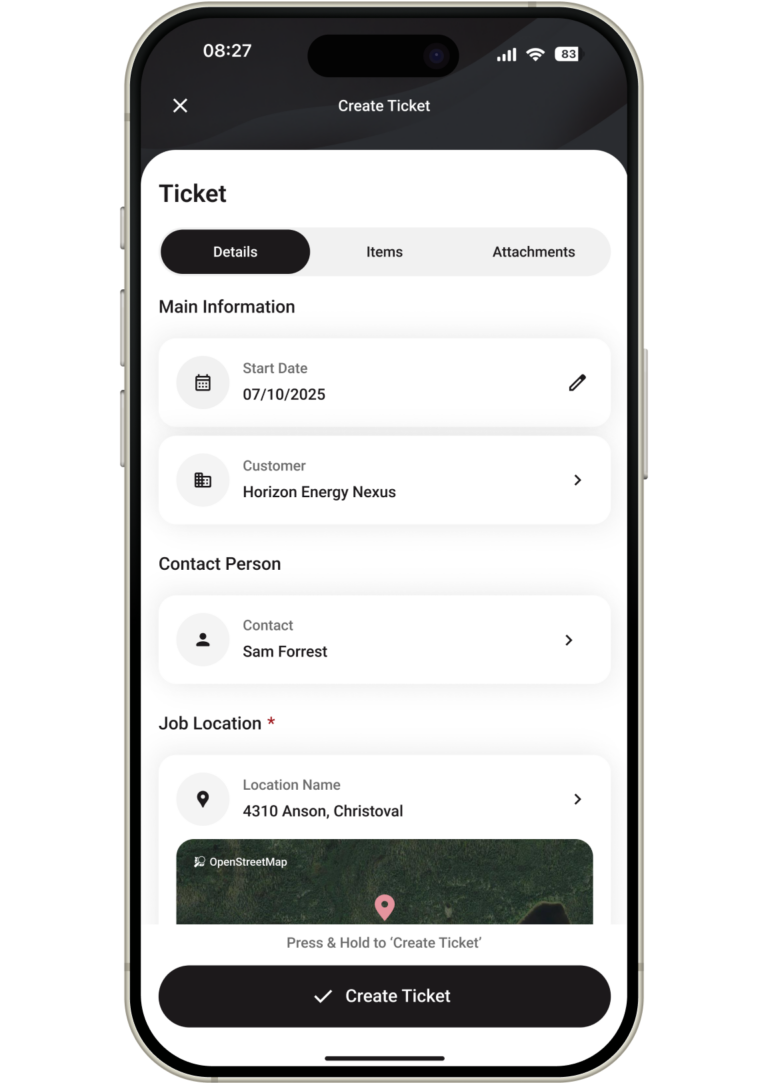
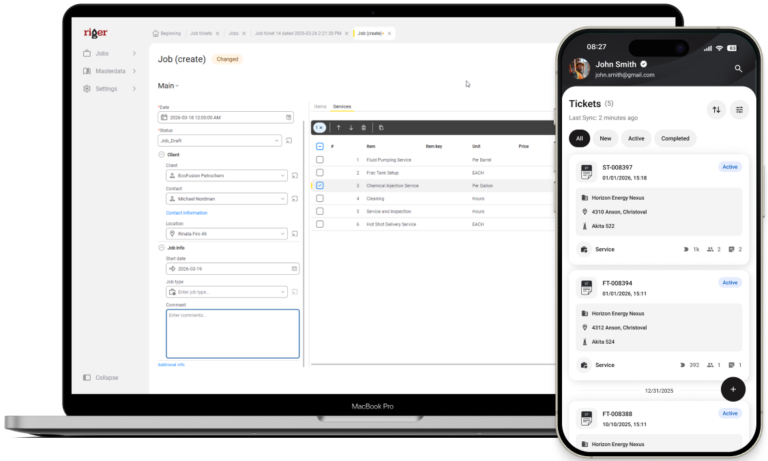
The technician selects a client, specifies the location, and adds required services. Rates automatically pull from the general price list, and additional items can be entered directly during work.
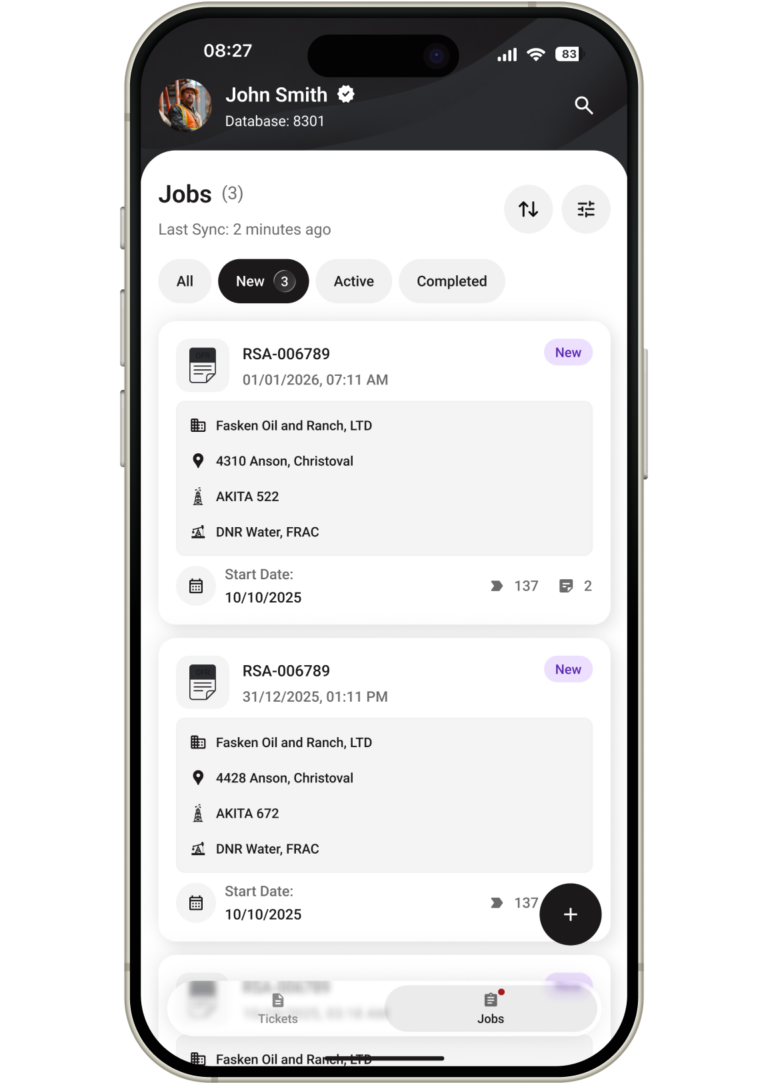
Information about the active task becomes available to the team. Dispatch and sales see current data on field personnel, job site location, and its status.
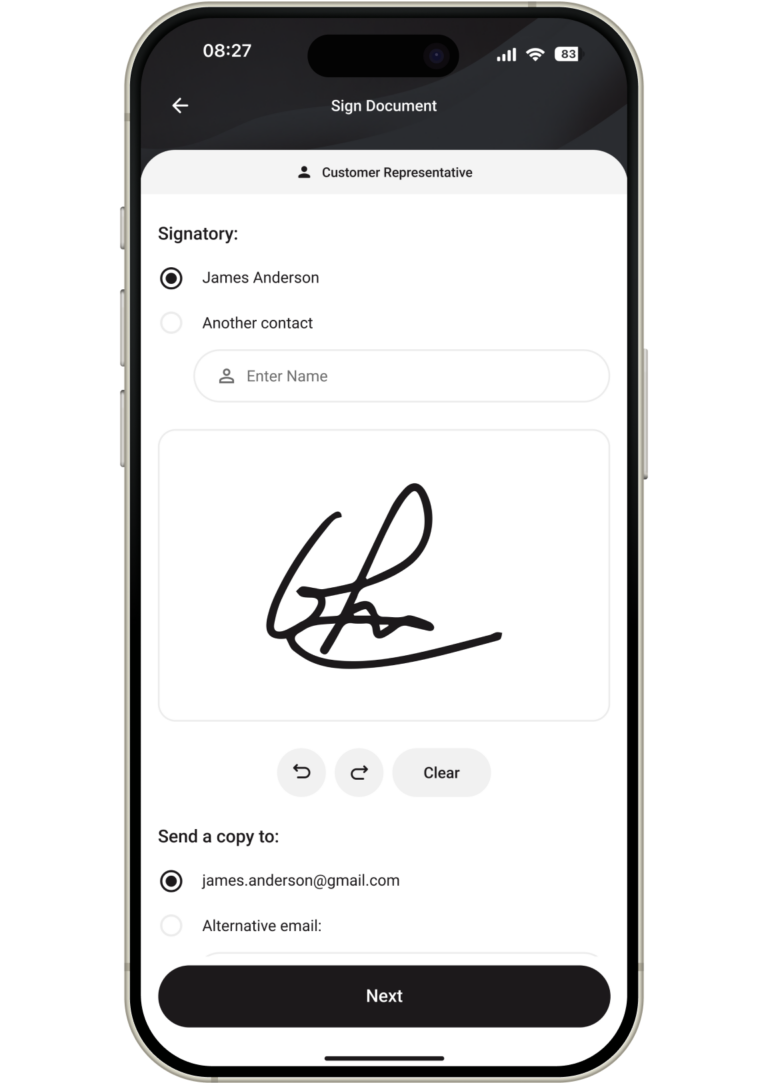
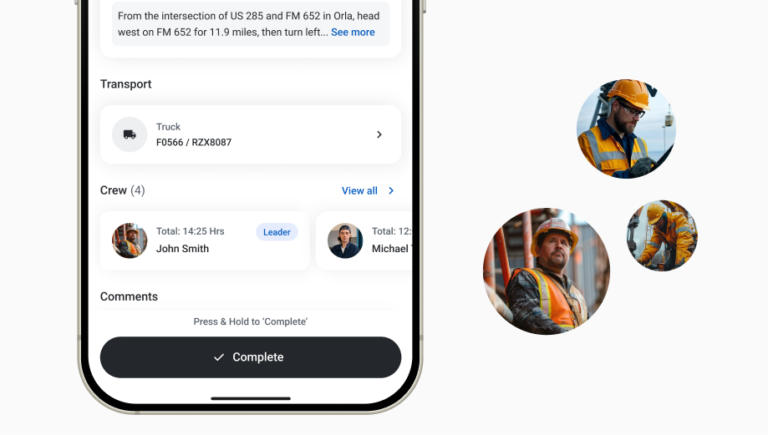
After completing the job, the technician verifies the entered data, adds photos, and captures the supervisor signature on the screen. If necessary, other job execution details can also be captured in the system.
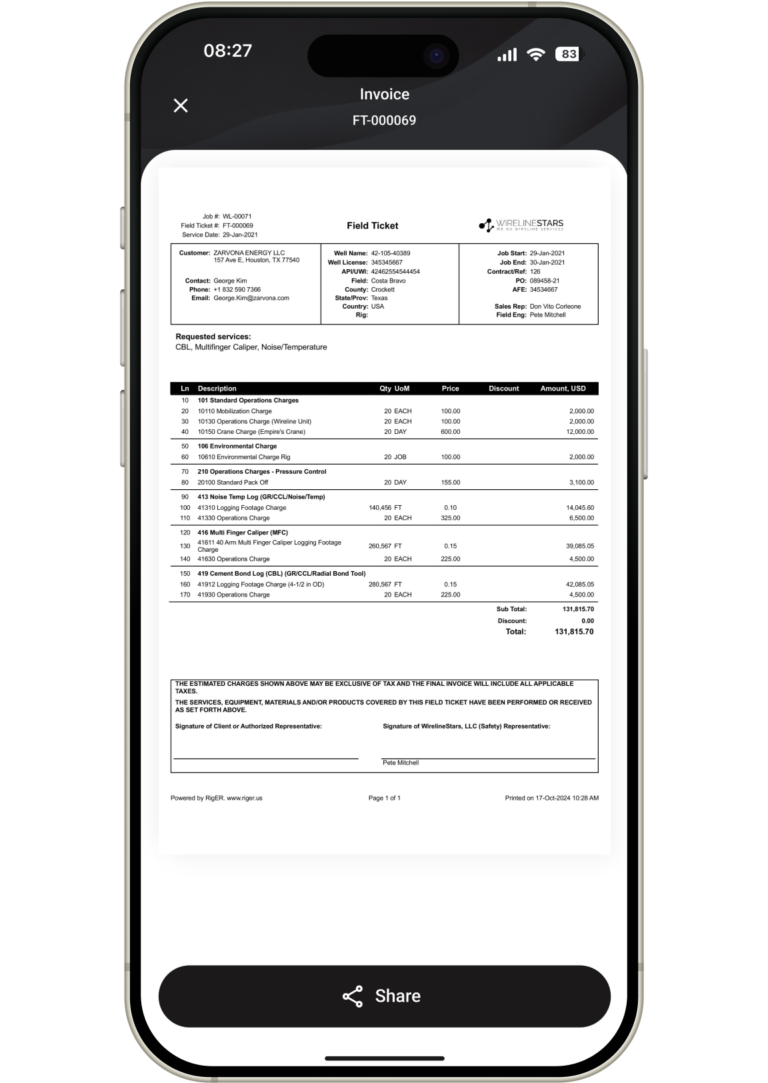
Verified digital data is transferred to the office without re-entry. Thanks to QuickBooks integration, the company can move faster from completed work to invoice preparation and subsequent payment.
See RigER PRO in Action: Request Your Mobile App Demonstration
Want to see how ready-to-use tracking software can simplify your crew’s daily work and speed up client payments? Request a personalized mobile demonstration. We will show you how easily your technicians can create tickets without cellular reception, capture digital supervisor signatures right on the platform, and transmit clean data directly to your billing team.
FAQ
RigER PRO works offline, so a technician can work with tickets even in areas without cellular coverage. Data is saved locally and synchronized with the system after the connection is restored.
Yes. Working hours and other data related to job execution can be captured in the digital workflow. This gives the office more accurate information for job control and subsequent invoicing.
Yes. A task can be created by dispatch or initiated directly on-site. One digital process helps the team work with different types of tasks without switching between multiple systems.
When a connection is available, data is transferred to the office cloud application almost instantly. If the technician works in dead zones, information is stored on the device and synchronized after the signal returns.
Yes. Base rates are loaded from the company price list, and agreed changes can be entered directly in the ticket.
Yes. Digital data about completed work does not need to be rewritten from paper or transferred manually from spreadsheets. This reduces administrative delays and simplifies invoice preparation.