Need help?
Quick answers to common questions about our product, features, and services.

A simplified field ticketing and invoicing platform for oilfield service companies. It replaces paper and Excel with a cloud web app for the office and a mobile app for the field.
RigER PRO is a streamlined version focused specifically on field ticketing and invoicing. It’s built for companies that need a clean, fast workflow from ticket to invoice — without the full operations management suite.
Invoices are generated directly from completed field tickets. Once a field crew submits a ticket, the office uses that information to create the invoice – no re-typing required.
A general price list defines your standard service rates and auto-populates on every ticket. Prices can be adjusted at the job or ticket level when needed.
Yes. Field crews can create and complete tickets offline. Everything syncs to the cloud when connectivity returns.
Yes. RigER PRO supports single-ticket and multi-ticket jobs depending on how your operations run.
Oilfield service companies that want to move off paper and spreadsheets and get a faster, more accurate path from field work to invoicing.
RigER PRO eliminates paper delays by digitizing workflow data directly at the wellsite. It connects field operations to the accounting office in real-time, drastically reducing invoicing cycles.
Unlike legacy desktop systems or generic field service apps, RigER PRO is custom-tailored specifically for oilfield service and equipment rentals, packing asset tracking, e-tickets, and QuickBooks integration into a unified cloud environment.
While we do not offer a permanent free version due to the advanced customization and dedicated cloud infrastructure required for enterprise operations, you can easily schedule a personalized oilfield software demo to explore all features risk-free before committing to an oilfield software cost plan.
Request a demo and we’ll walk you through the field-to-invoice workflow using your own operations as an example.
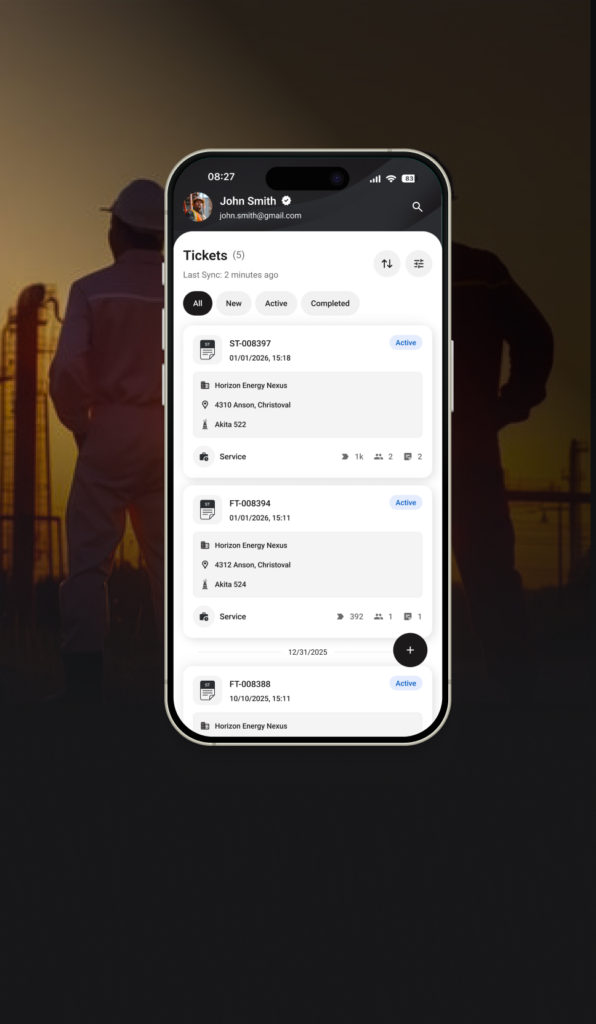
RigER PRO Mobile is built on an offline-first foundation. When your crew operates in remote dead zones, all digital field tickets, signatures, and material logs are saved directly to the device’s secure local storage. As soon as the device connects to a network, the system automatically synchronizes everything with the office cloud, eliminating manual re-entry or data loss.
Yes. The mobile workflow is engineered to be fast and intuitive. Technicians log completed tasks, secure the customer’s on-screen digital signature, and close the job. This instantly changes the status in the central system, allowing your accounting team to invoice the client without waiting for paper logs to drive back to the yard.
Absolutely. Technicians can log exact material usage quantities, fluid volumes, rental tool numbers, and specific wellsite measurements directly into standardized digital forms, ensuring all billing line items are captured perfectly before leaving the location.
Remote wellsites often have zero cell service. RigER PRO Mobile stores tickets on-device and syncs automatically when connectivity returns – so your crew never loses work and billing isn’t delayed by connectivity gaps.
No. The app works fully offline. Tickets are saved on the device and sync to the cloud automatically when connectivity returns.
Yes. Standard rates load from your company price list, but crews can adjust pricing at the job or ticket level when needed.
It syncs to the cloud and becomes available in the office web app. The office can then generate the invoice directly from the completed ticket.
Yes. RigER PRO supports both single-ticket and multi-ticket jobs.
No. Jobs can be initiated by field crews on demand or dispatched from the office — both workflows are supported.
Customer, location, services provided, and pricing. All fields are structured so nothing gets missed.
RigER PRO is a streamlined field ticketing and invoicing platform – the mobile app works together with the cloud-based office web app.
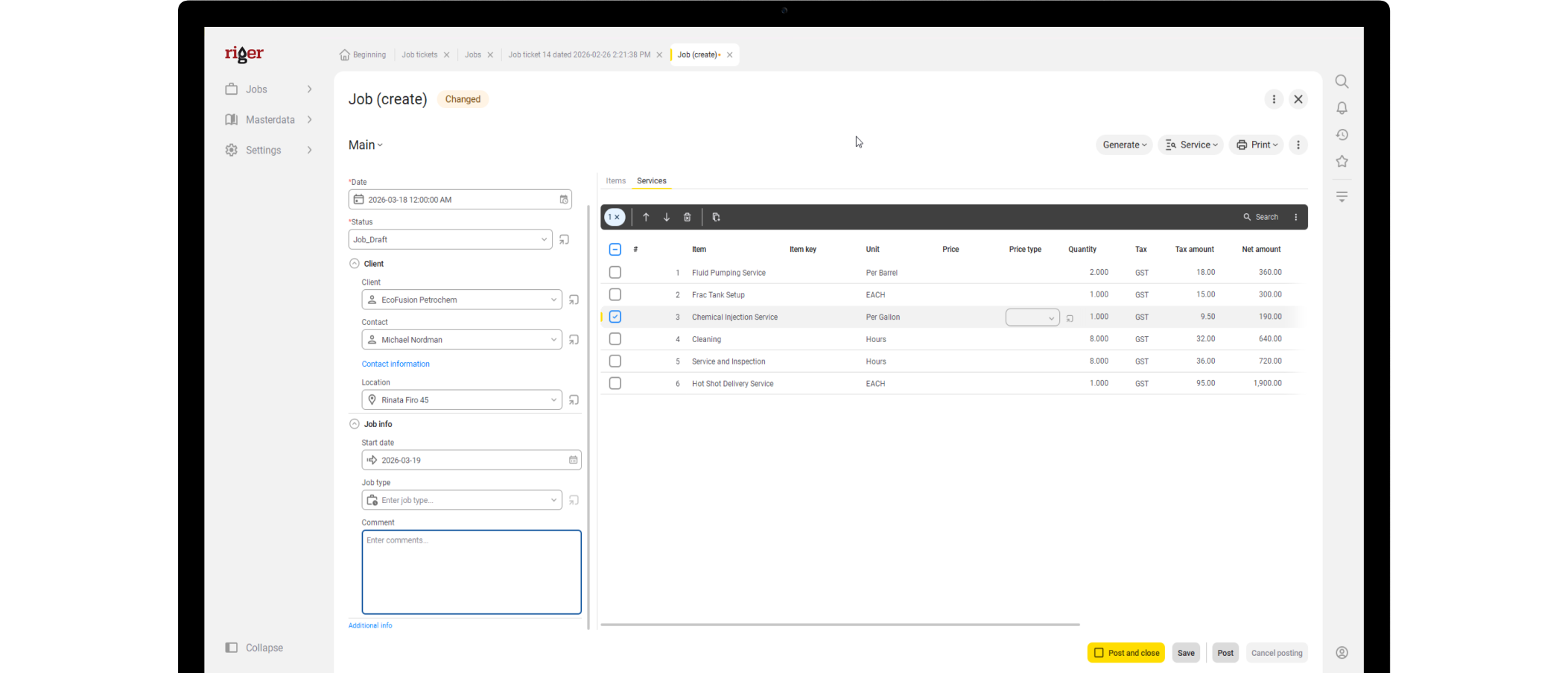
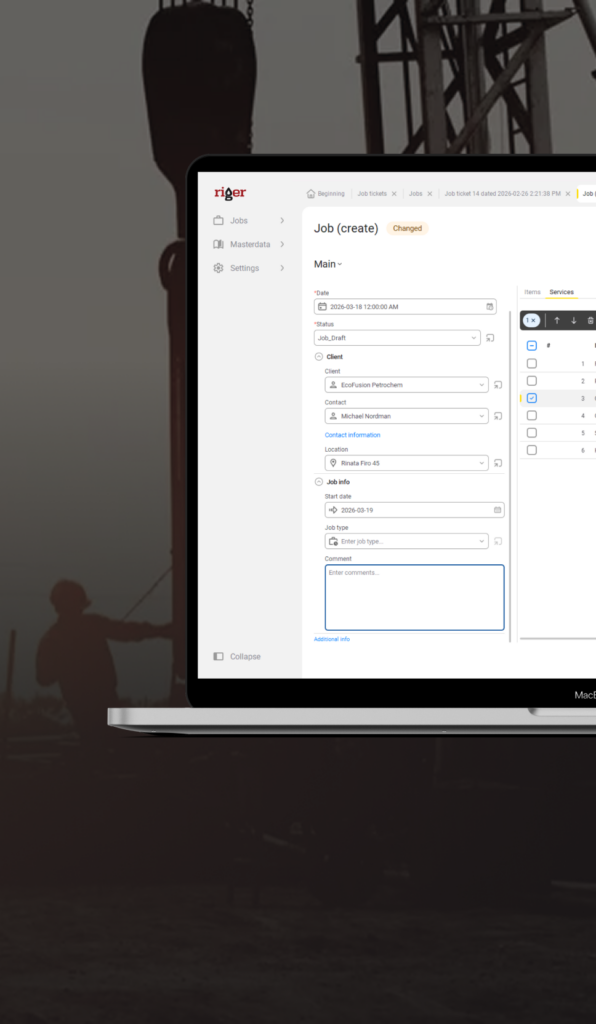
The office web application where your team manages jobs, reviews field tickets, generates invoices, and controls pricing – all in one place.
Dispatchers, salespeople, and accounting staff. Everyone works in the same system with access to the same jobs, tickets, and invoices.
Yes. Dispatchers or salespeople can create a job, prepare the field ticket, and assign it to a specific field employee before they head to the site.
Directly from completed field tickets. The office reviews the submitted ticket and generates the invoice from that data – no manual re-entry.
As soon as the field crew submits a ticket and has connectivity, it syncs to the cloud and is available for review and invoicing.
We deliver a structured and expedited oilfield software implementation time framework. Our proven data onboarding methodology ensures your office shifts seamlessly from legacy spreadsheets to automated web workflows with zero downtime or disruption to your daily client operations.
Our comprehensive oilfield software setup covers secure database migration, active price list mapping, and custom field configuration. Following system readiness, we conduct targeted oilfield software onboarding sessions to ensure your dispatchers, accountants, and office administrators are fully confident from day one.
Moving to a secure cloud infrastructure completely eliminates expensive local server maintenance and software upgrade costs. It guarantees your administrative team immediate access to critical billing data, live rig statuses, and automated field ticket verification from any location.
Field ticket software for oil and gas is a digital system that replaces paper field tickets used by oilfield service companies to record work performed at well sites. It captures job details, hours, equipment, materials, and customer signatures on a mobile device, then routes the ticket through approval and into invoicing or accounting systems like QuickBooks.
Field ticket software typically costs between $55 and $135 per user per month. RigER PRO starts at $59 per user per month for Roughneck, $79 for Supervisor, and $99 for Manager.
Digital field ticketing reduces Days Sales Outstanding by compressing the billing cycle from over 30 days to under 5 days. Tickets are submitted, approved, and synced to invoicing in hours rather than weeks. OFS companies typically see DSO drop from 60 to 90 days down to 30 to 45 days after going digital.
Yes. RigER PRO is built offline-first. Field crews can create tickets, capture signatures, and attach photos at remote well sites with zero cell service. Tickets sync automatically when the device returns to coverage. This is critical in the Permian, Bakken, and Eagle Ford basins where many well sites have no signal.
RigER PRO integrates with both QuickBooks Online and QuickBooks Desktop. Approved field tickets flow directly into invoices with no manual re-entry. This eliminates the duplicate data entry that costs OFS office staff 8 or more hours per week.
Most companies are creating their first digital ticket within 30 minutes of signup. Full team rollout typically takes 1 to 5 days. There is no implementation project, no IT department needed, and no contract negotiation. The 14-day free trial requires no credit card.
Oilfield service companies across well services, water hauling, wireline, pumping, coiled tubing, fluid management, equipment rental, and trucking. RigER PRO targets companies with 1 to 50 field employees operating in the Permian Basin, Bakken, Eagle Ford, Anadarko, Western Canada, and MENA.
OFS companies typically recover 3 to 5 percent of previously lost billables in the first year of digital adoption, equal to $15,000 to $50,000 per year for a small operation. For a 10-user company on the Professional tier ($4,680 per year), recovering even 3 percent of $2M in revenue produces a Year 1 net ROI above 12:1.
Mobile field ticket apps like RigER PRO replace paper tickets entirely. Field crews fill out tickets on a phone or tablet, capture digital signatures from the company man, attach photos, and submit to office staff in real time. The paper ticket, the manual data entry, the lost tickets, and the illegible handwriting all disappear.
RigER PRO is available across the United States, Canada, and MENA. Primary markets include the Permian Basin (Texas and New Mexico), the Bakken (North Dakota), Eagle Ford (South Texas), Anadarko (Oklahoma), and Western Canada (Alberta and British Columbia). Hosting is on Microsoft Azure with US datacenter options.
Already a customer?
We’ve got you covered with quick answers to popular questions.


See RigER PRO Cloud in Action
Book a demo and we’ll walk through your exact field-to-invoice workflow – how jobs are created, how tickets arrive from the field, and how your office turns approved work into invoices.