Invoice from facts, not assumptions
Your financial team shouldn’t reconstruct jobs from incomplete notes and verbal confirmations. RigER PRO delivers verified, complete field tickets straight to invoicing – so billing is accurate, fast, and defensible.
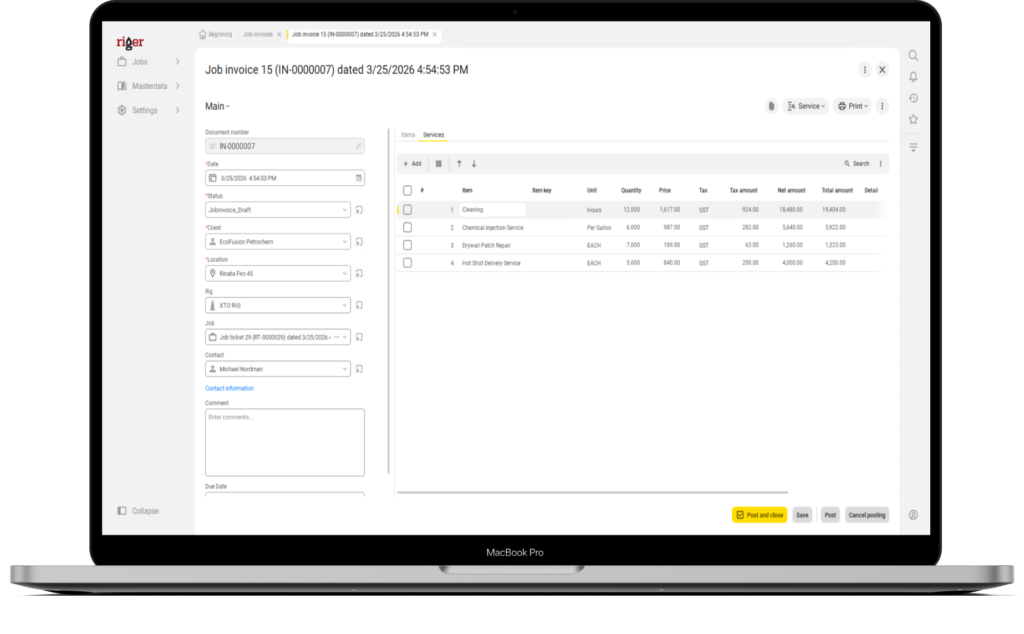

From field ticket to invoice
In most oilfield service companies, the financial team is the last to know what happened in the field – and the first to deal with the consequences. Missing details, disputed charges, and delayed billing all start with the same problem: bad data handoff between the field and the office.
- Invoice directly from completed field tickets
Every line item, service, and price on the invoice comes from what the technician entered on site – not from what someone in the office thinks happened. - Eliminate re-entry errors
No more copying data from paper tickets into spreadsheets into accounting. One data entry in the field flows all the way to the invoice. - Defend every invoice with documentation
When a customer questions a charge, pull up the original field ticket – complete with services, pricing, and who submitted it.
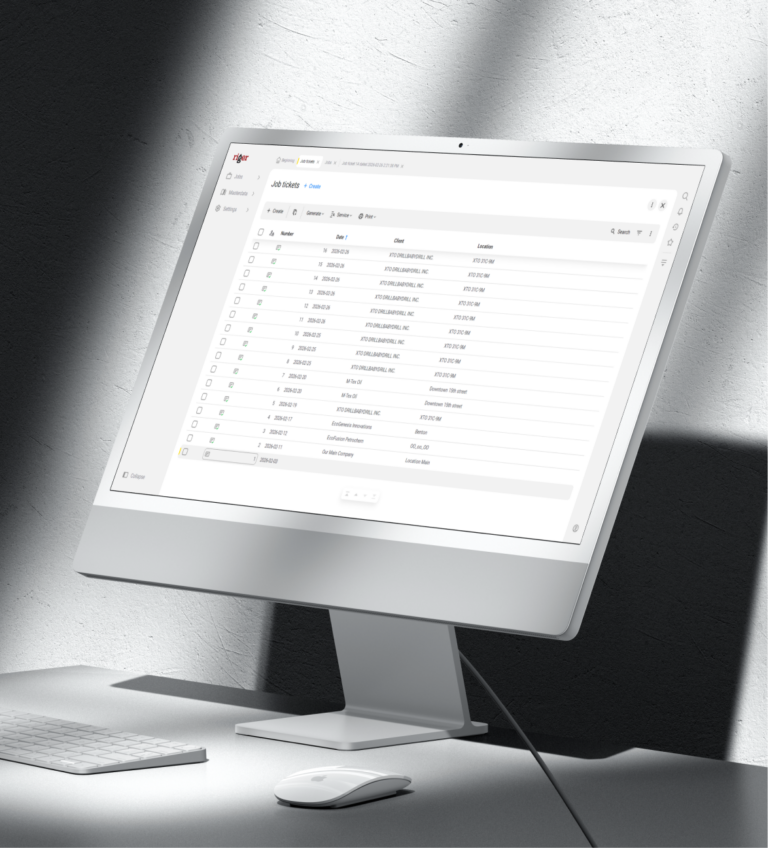
Billing accuracy starts in the field
RigER PRO closes the gap between field work and financial documentation – so your team invoices from verified data, not secondhand information.
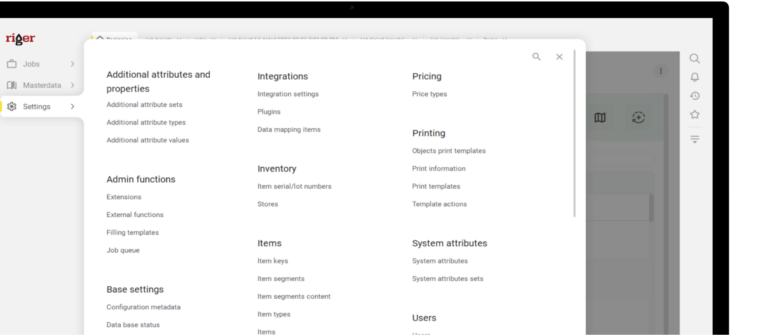
Price list enforcement
Standard rates are defined once and auto-populate on every ticket. Your financial team knows that baseline pricing is consistent across every crew and every job.
Same-day invoicing
Completed tickets arrive in the office the moment they’re submitted. No more waiting days or weeks for paperwork to come in before billing can start.
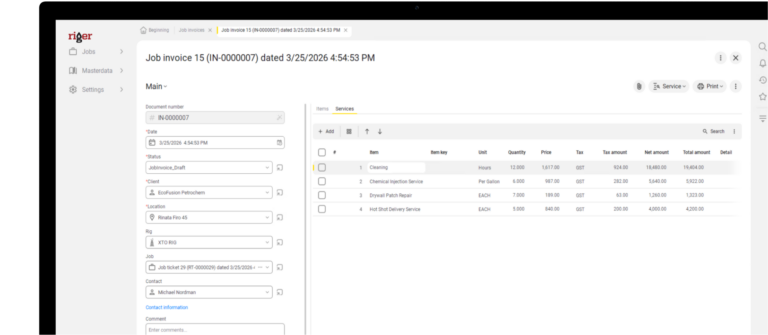
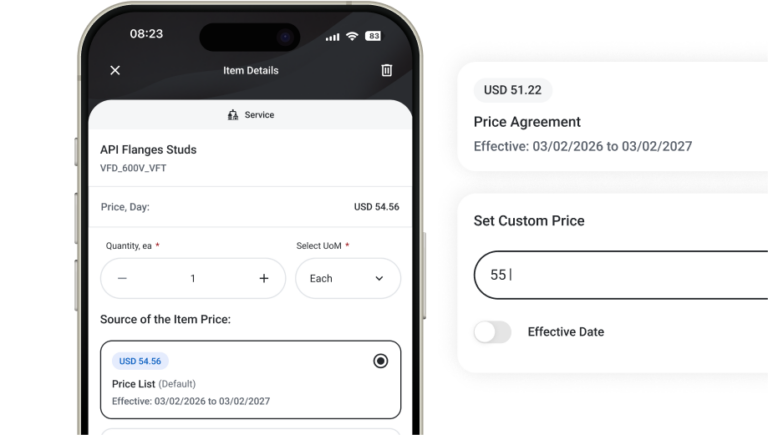
Job-level price adjustments are visible
When a technician or dispatcher overrides standard pricing, it’s captured on the ticket. Your team sees exactly what changed and can verify before the invoice goes out.
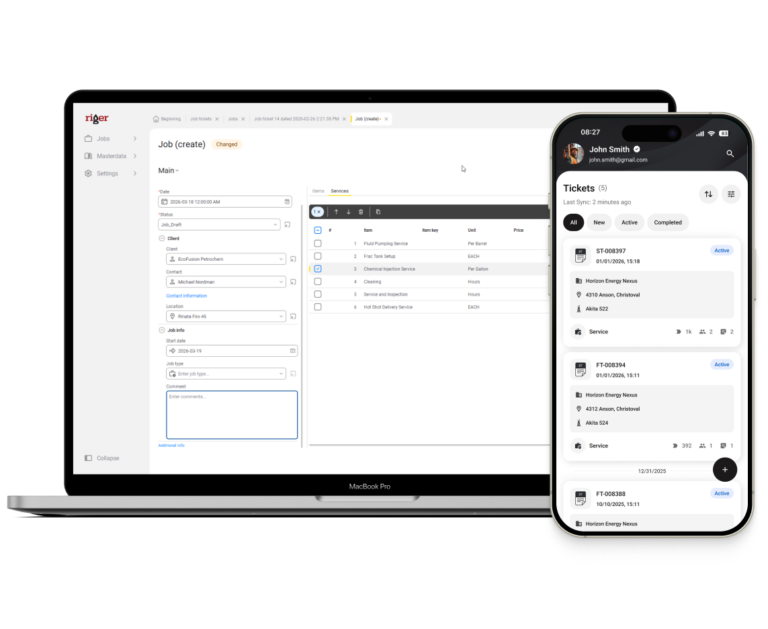
Complete audit trail
Every invoice links back to the original field ticket, the job it belongs to, and who created it. If a charge is questioned six months later, the documentation is there.
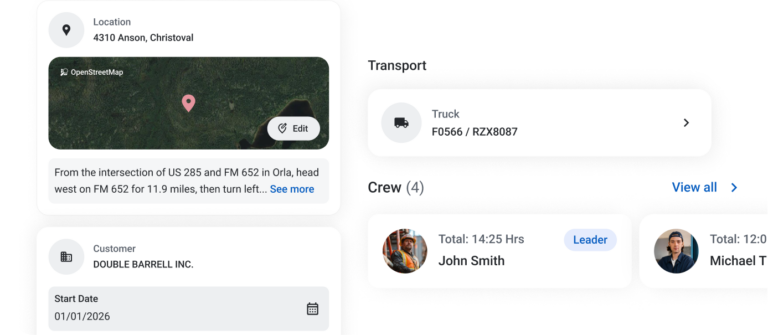
Multi-ticket job billing
Jobs with multiple tickets – different crews, different days, different service lines – are grouped under one job. Your team invoices the complete scope, not scattered pieces.
RigER PRO Workflow
Follow the job from field to invoice – and see where your financial team’s life gets easier at every step.
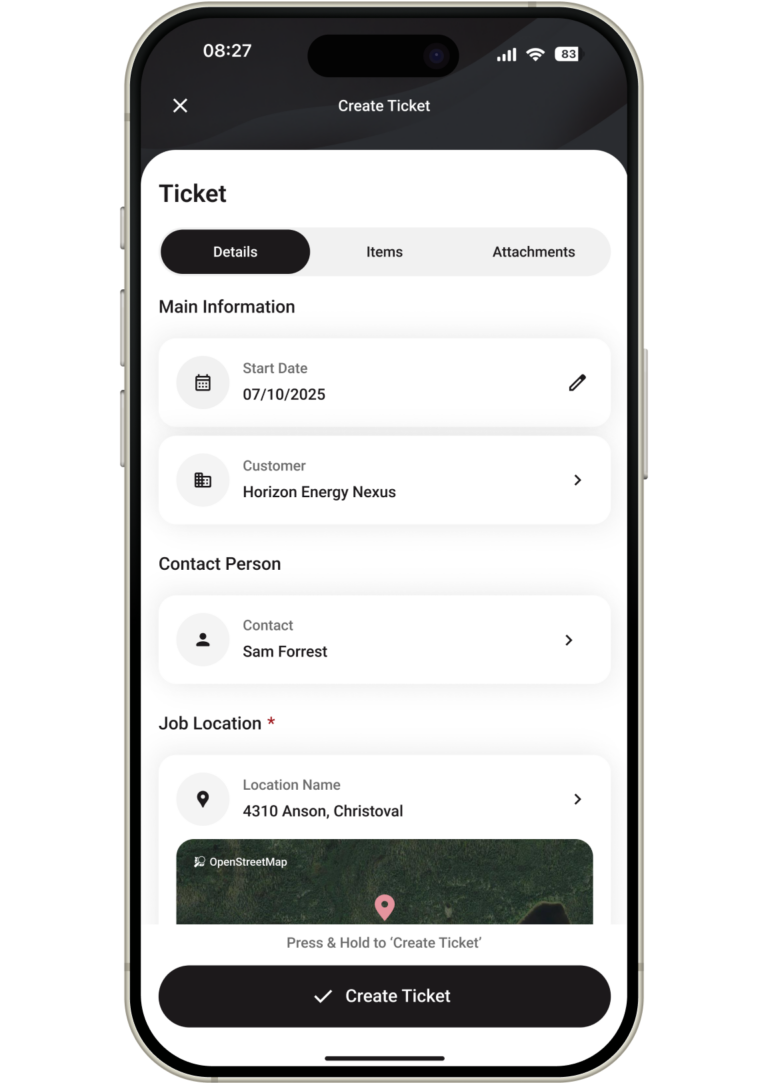
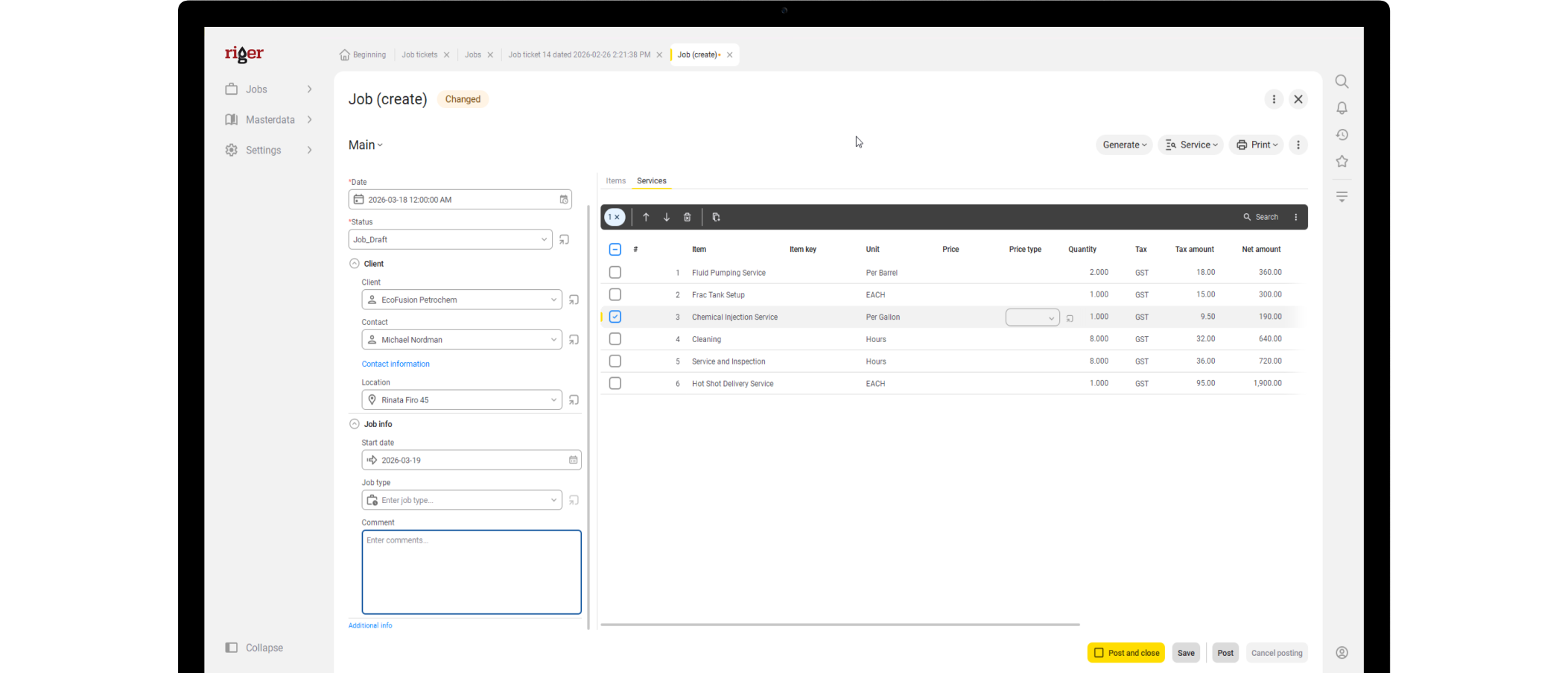
A technician creates a field ticket on site and starts adding services, quantities, and pricing. From a financial perspective, this is the moment your invoice data is born. In a paper-based operation, this is also the moment where errors start – wrong rates, missing line items, illegible handwriting that someone in the office has to interpret later.
With RigER PRO, pricing auto-populates from the company’s master price list. The technician isn’t guessing rates or pulling numbers from memory. If they adjust a price – because the scope changed or the customer negotiated something on site – that adjustment is recorded on the ticket. Your financial team doesn’t discover pricing surprises at invoicing time. They see them upfront, documented, and traceable to the person who made the change.
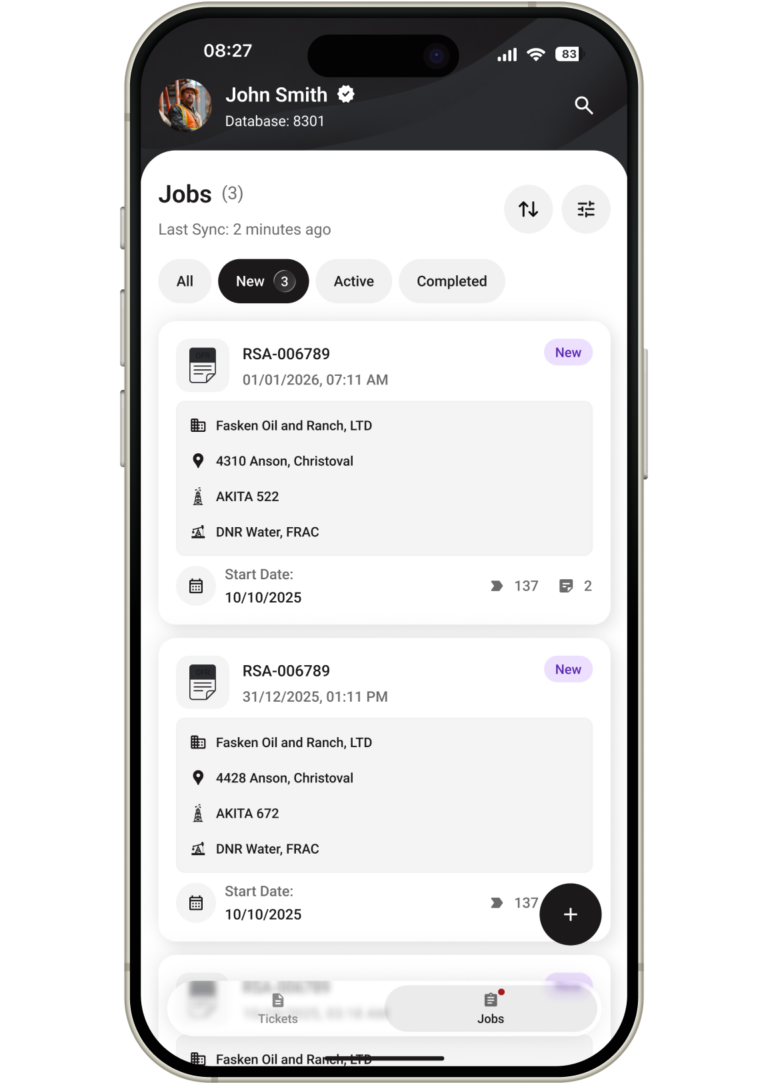
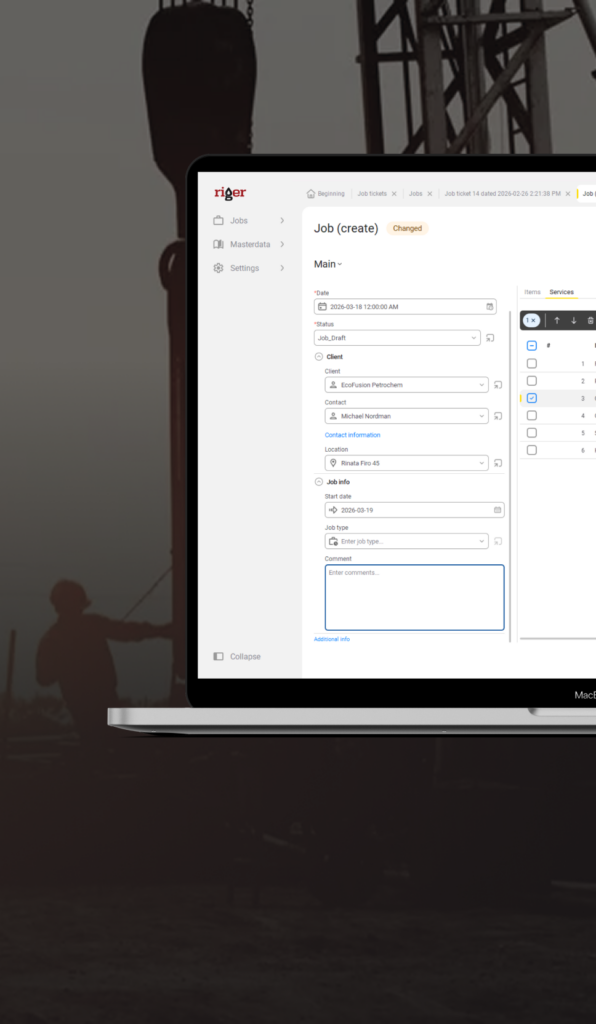
The job now exists in the system – either created by the field technician on demand or dispatched from the office with pre-defined scope and pricing. For your financial team, this is where job costing begins. Every service, every price, every assignment is captured from the start.
When jobs are dispatched from the office, the financial team benefits from pricing being locked in before work begins. The dispatcher sets the scope, attaches the right rates, and sends it to the field. There’s no ambiguity about what was agreed. When the ticket comes back completed, your team compares what was done against what was planned – and any variance is immediately visible. No more reconciling conflicting versions of what was supposed to happen on a job.
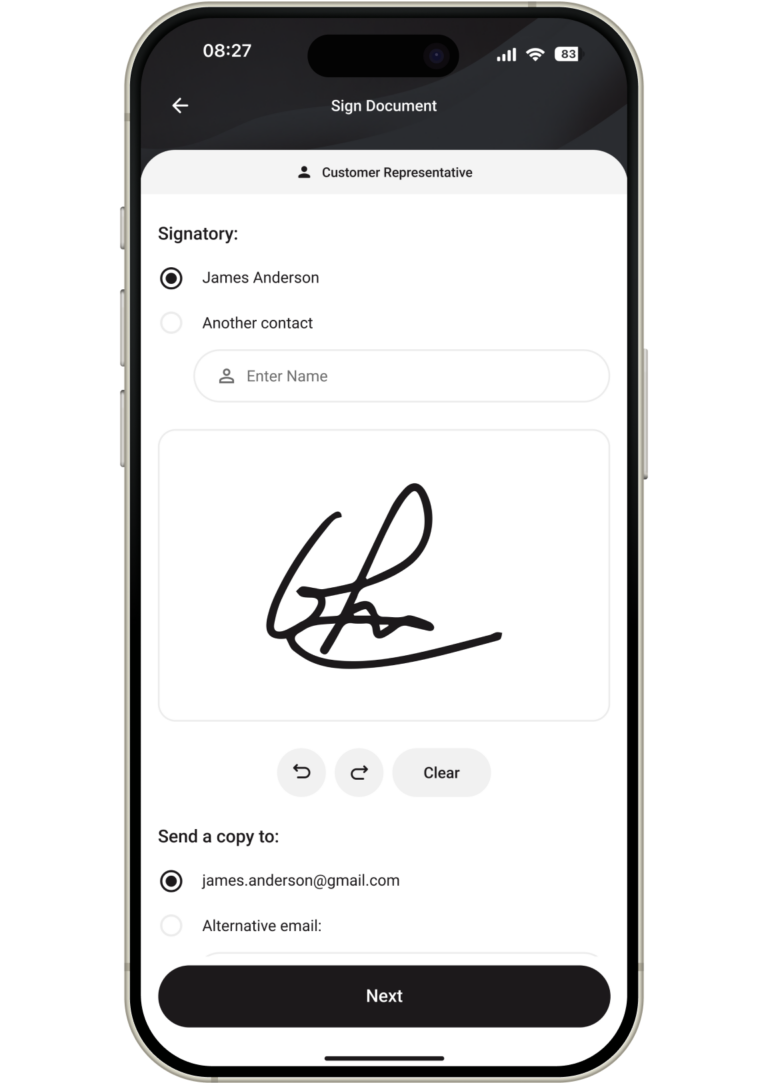
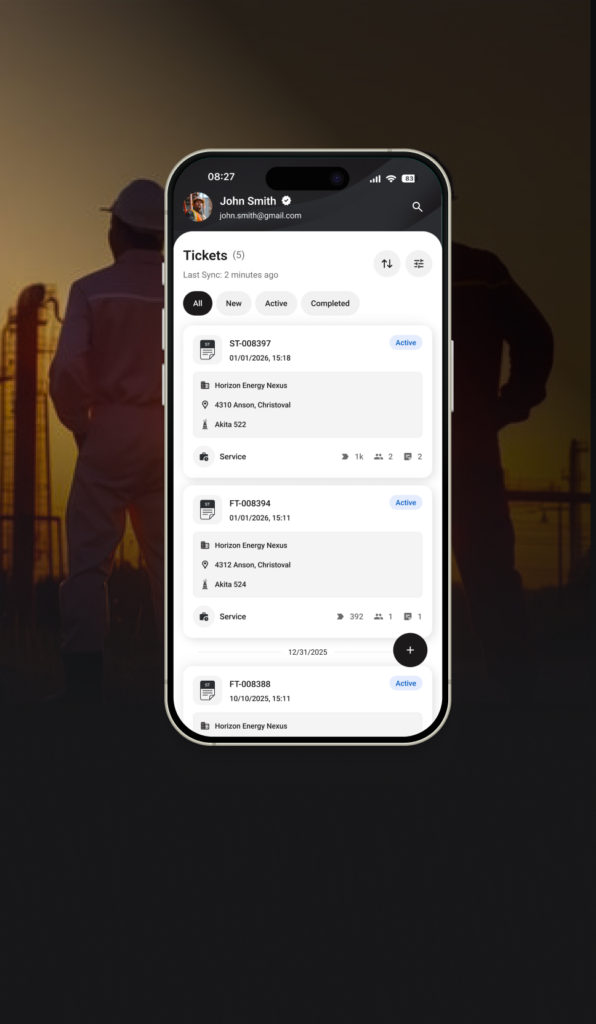
The technician finalizes the ticket — confirms services, adjusts quantities, adds anything that changed during the job – and submits. The ticket syncs to the cloud and lands in the office ready for review. This is the financial team’s quality checkpoint.
Before RigER PRO, this is where the process broke down. Paper tickets arrived days late, missing information, with pricing that didn’t match any quote on file. Someone in accounting would spend hours calling the field, cross-referencing spreadsheets, and trying to piece together what actually happened. With RigER PRO, the ticket arrives complete, structured, and with every price traceable to either the master list or a documented adjustment. Your team reviews it once, confirms it’s accurate, and moves it to invoicing. The back-and-forth disappears.
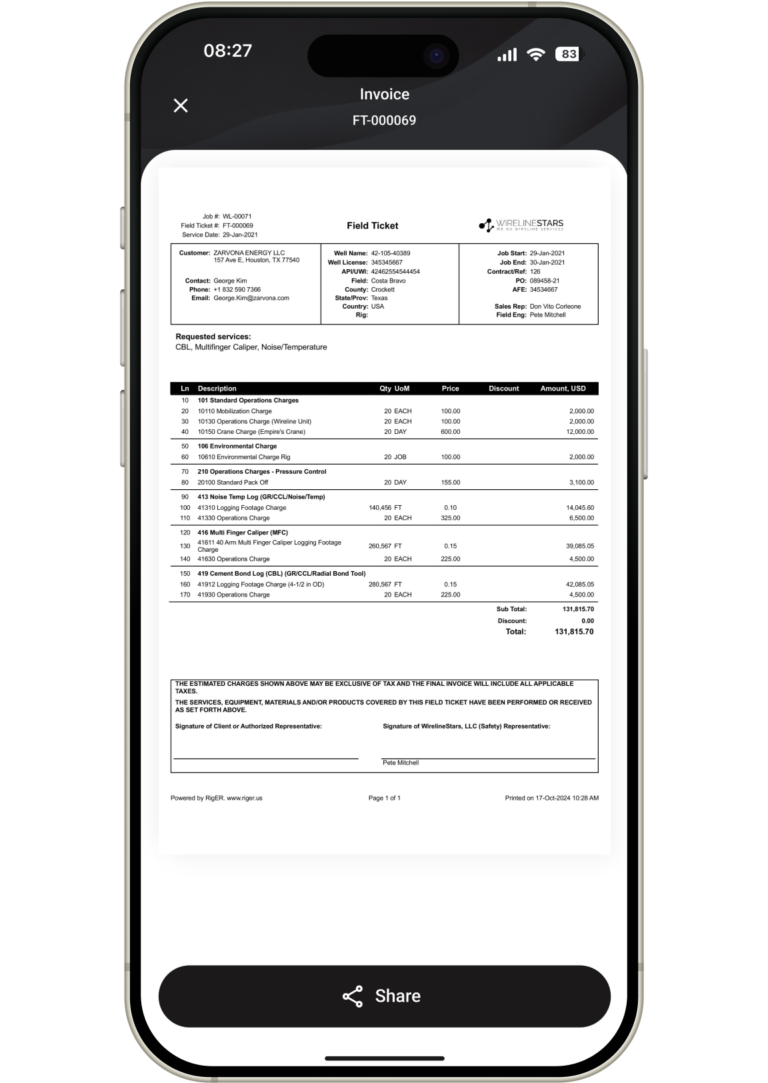
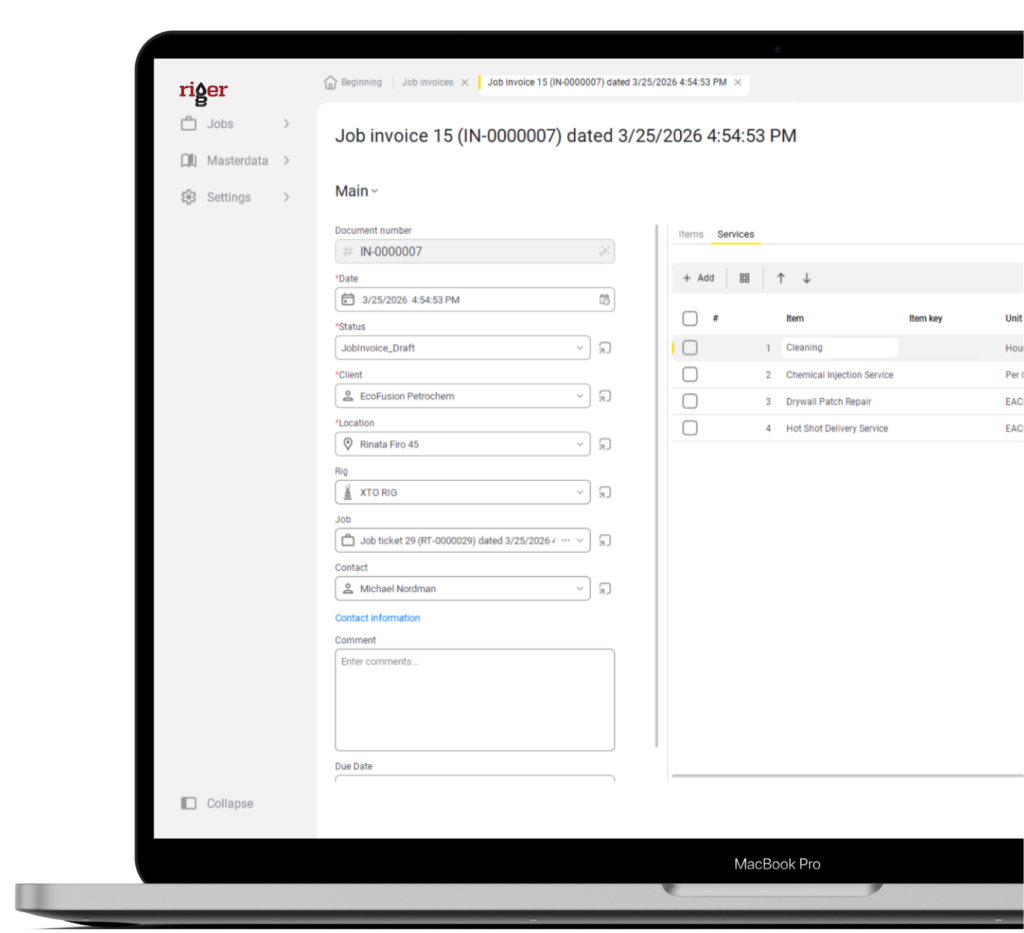
This is where everything pays off. The completed ticket contains every data point the invoice needs – customer, location, services, quantities, pricing, and who performed the work. Your financial team generates the invoice directly from the ticket. No re-typing into a separate system. No spreadsheet formulas. No manual calculations.
The invoice matches the field ticket exactly – because it’s built from the same data. When a customer receives the invoice, every line item traces back to documented field work. Disputes drop because there’s nothing to argue about – the ticket is the evidence. Your billing cycle compresses from weeks to days because the bottleneck was never generating the invoice – it was getting clean data to generate it from. RigER PRO eliminates that bottleneck entirely. Your financial team stops being data detectives and starts doing what they were hired to do – manage the company’s revenue.
See RigER PRO Cloud in Action
Book a demo and we’ll walk through your exact field-to-invoice workflow – how jobs are created, how tickets arrive from the field, and how your office turns approved work into invoices.