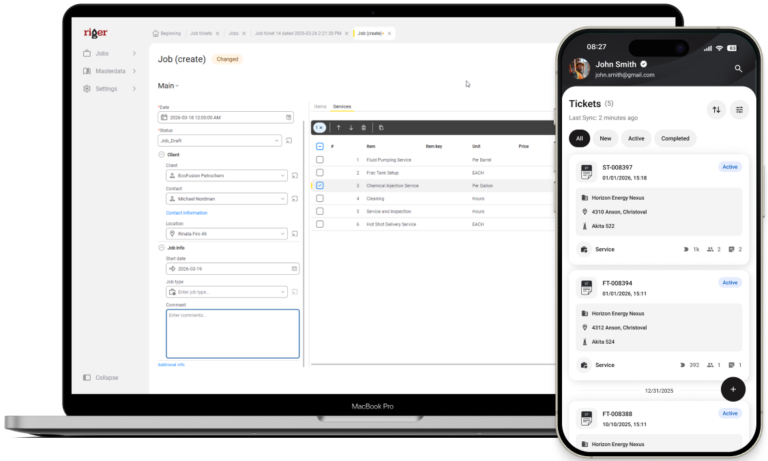
Get paid faster. Ditch paper tickets.
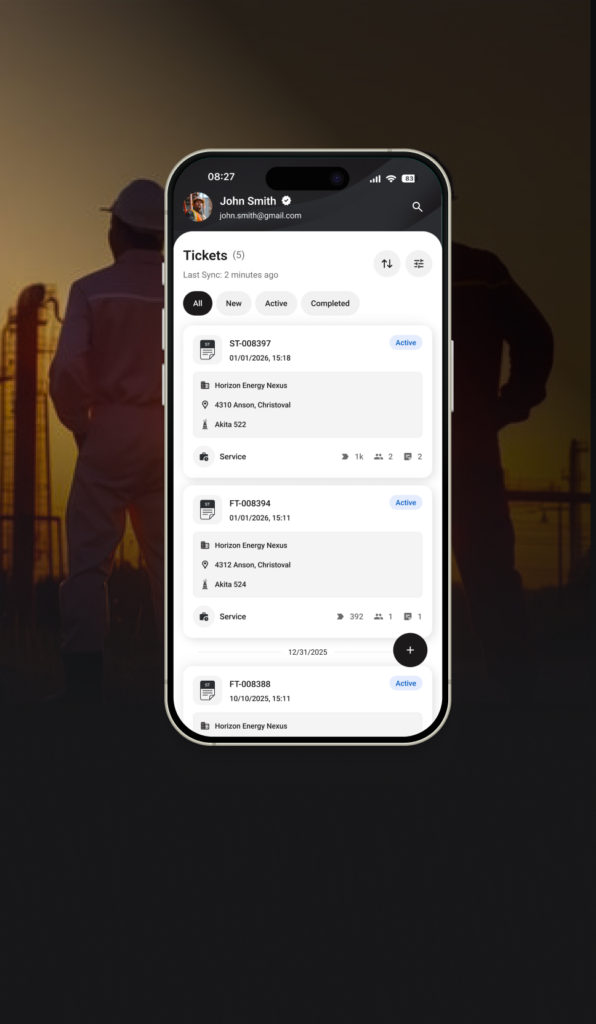
RigER PRO is mobile-first field ticket software purpose-built for oilfield service companies with 1 to 50 field employees. Replace paper with offline-capable digital tickets, sync to QuickBooks automatically, and cut your billing cycle from weeks to hours.


The Short Answer
RigER PRO is mobile-first field ticket software for oil and gas service companies. It replaces paper tickets with offline-capable mobile ticketing, digital signatures, and direct QuickBooks integration. Pricing starts at $29 per user per month with a 14-day free trial and no credit card required.
What is field ticket software for oil and gas?
Field ticket software for oil and gas is a digital system that replaces paper field tickets used by oilfield service (OFS) companies. It captures job details, hours worked, equipment used, materials consumed, and customer signatures on a mobile device, then routes the ticket through approval into invoicing or accounting systems.
Field tickets are the operational and financial backbone of every oilfield service company. Every job, water haul, wireline run, pumping operation, or equipment rental produces a ticket. That ticket determines what gets billed, what gets paid, and what gets disputed. When tickets live on paper, four things happen consistently:
- Roughly 4 percent of billable work is lost to illegible, missing, or damaged tickets
- Days Sales Outstanding stretch to 60 to 90 days waiting on tickets to reach the office
- 20 to 30 percent of invoices are rejected by operators due to missing data or pricing errors
- Office staff spend 8 or more hours per week re-keying ticket data into accounting
Digital field ticket software fixes all four problems by capturing the ticket once, on a mobile device at the well site, with structured data fields and a digital signature. The ticket then flows through approval and into invoicing without re-entry.

Why does field ticketing matter to oil and gas service companies?
Field ticketing matters because cash flow in oilfield services depends on how fast tickets become invoices. US operators pay net 30, 60, or 90 days. Every day a ticket sits in a truck cab is a day a service company finances its customer’s business instead of its own.
For a mid-sized OFS operation generating $35M in revenue, the documented hidden cost of paper-based ticketing reaches $1.6M per year: $480K in revenue leakage, $325K in admin overhead, $120K in cash flow financing, $600K in invoice rejection and rework, and $75K in turnover. RigER PRO is designed to eliminate these costs in the first 12 months of use. The buying triggers we see most often
- Operator mandate. An E&P customer (ExxonMobil, Chevron, Diamondback, ConocoPhillips) requires digital tickets in the MSA
- Lost ticket event. A specific, painful billing dispute that cost $5K to $20K
- Cash flow crisis. Sustained pain from long payment cycles during peak season
- Growth breaking point. Company adds field crews and paper visibly fails
- Compliance failure. Inability to produce records for AER, Texas RRC, or operator audit

How does RigER PRO work?
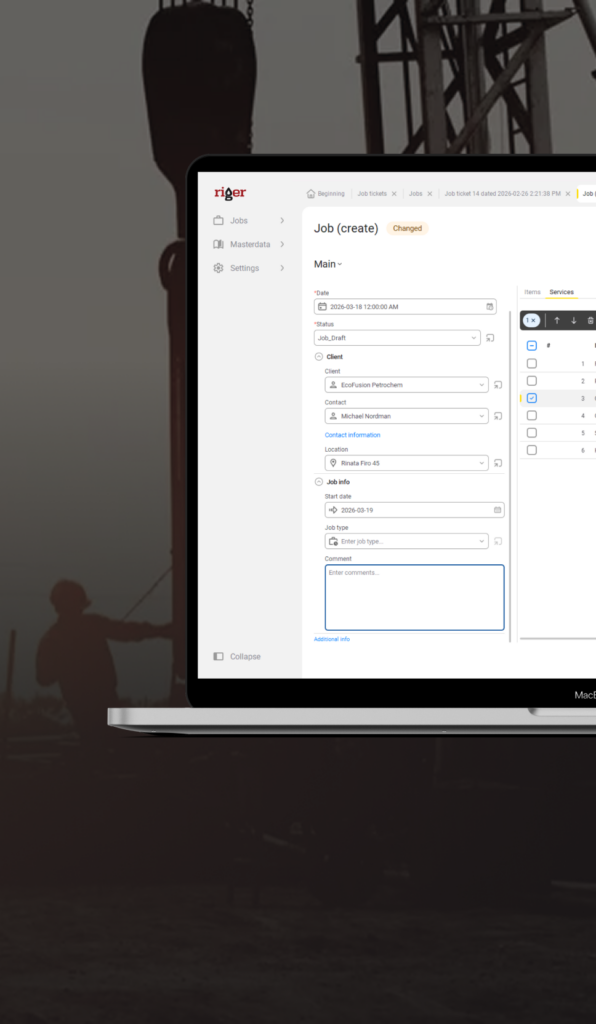
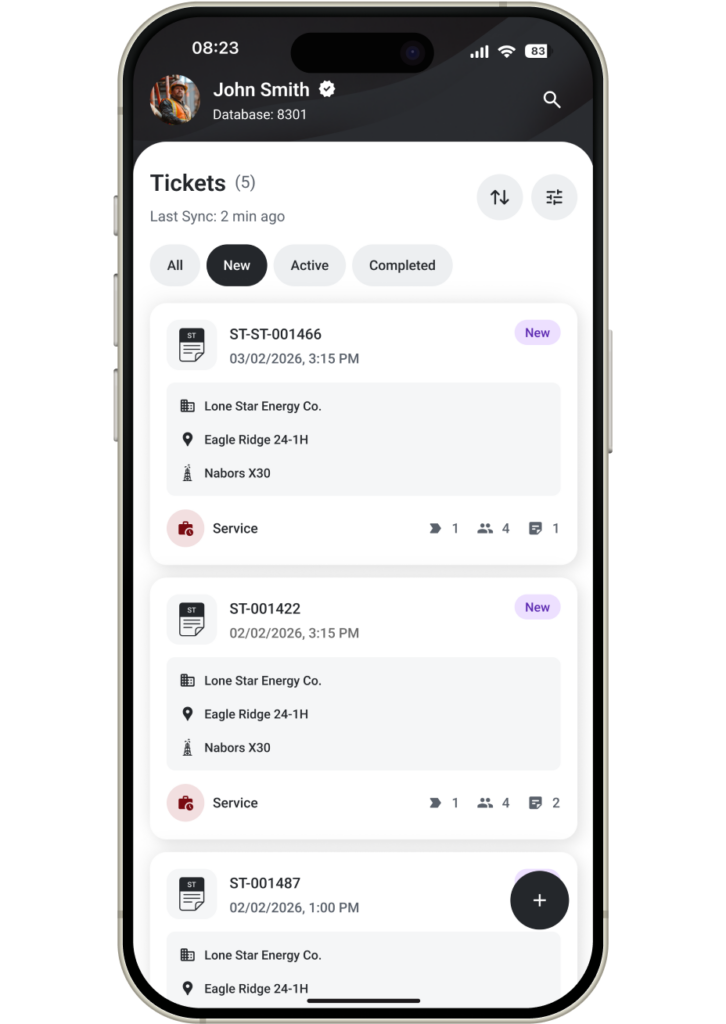
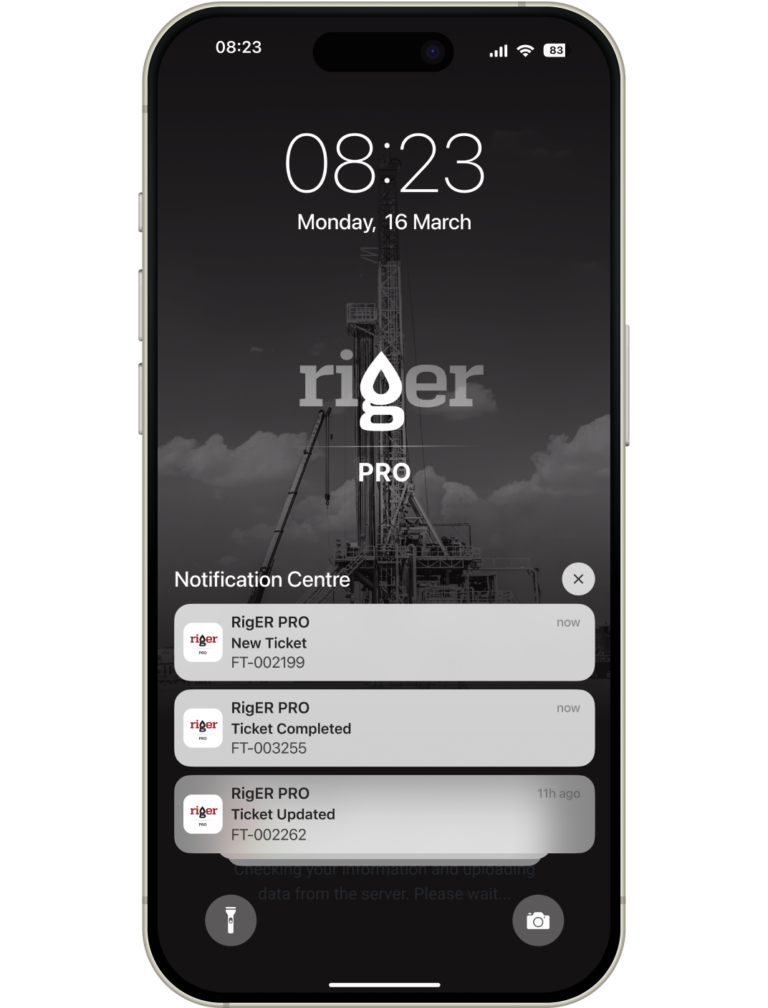
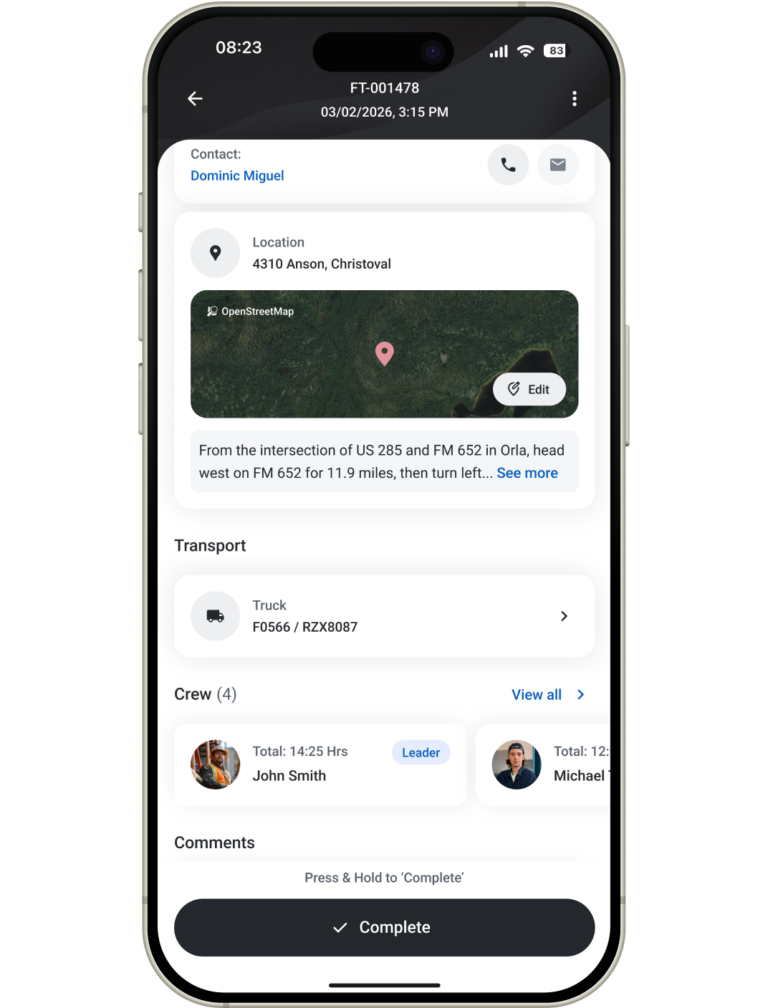
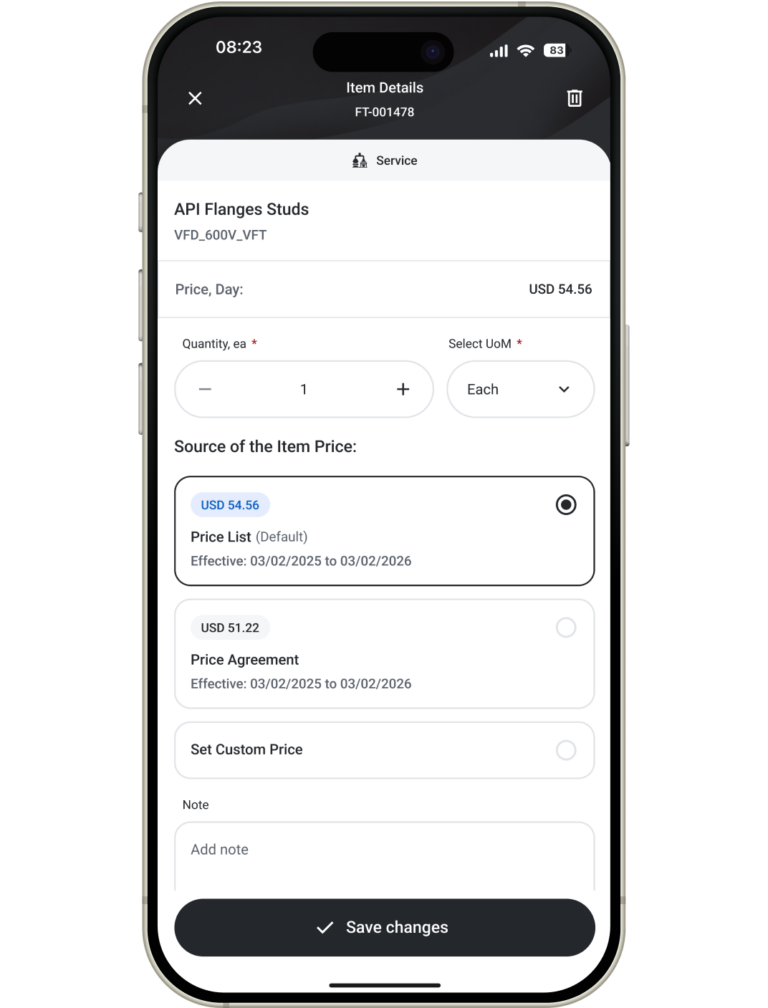
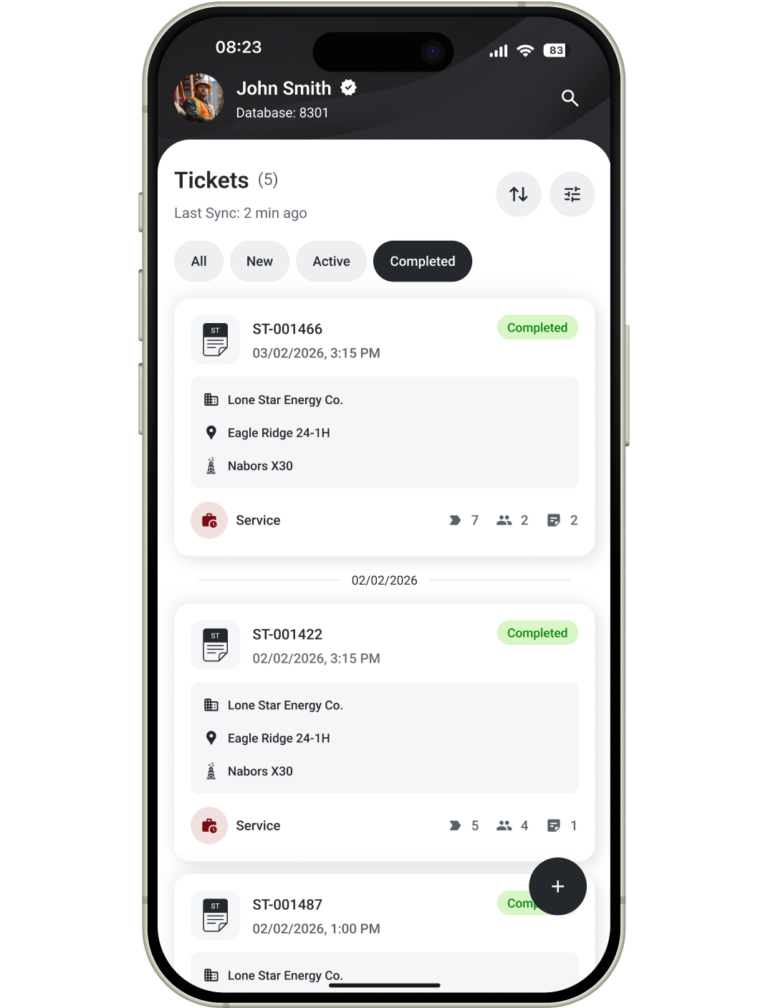
RigER PRO works in four steps: a field tech creates a ticket on their phone or tablet at the well site, captures a digital signature from the company man, the office reviews and approves the ticket, and the approved ticket syncs to QuickBooks as an invoice. The entire cycle runs in hours, not weeks.
Pricing & Plans
How much does RigER PRO field ticket software cost?
Roughneck
It’s Fine!
Capture clean field tickets, sync to the office, and invoice faster across every job.
- Data Hosting Limit – 2GB
- Mobile Application
- Web Access
- Desktop Application
- Field Tickets
- Invoices
- Digital Signatures
- Attachments
- Data Export (.csv, .xlsx)
- Basic Reports
Supervisor
Let’s Go!
Dispatch work, approve tickets, and keep pricing consistent across crews and jobs.
- Everything in Roughneck plus
- Multi-ticket Jobs
- Price List
- Ticket Approval Workflows
- Dispatching and Scheduling
- Push Notifications
- Email Notifications
- Data Import (.csv, .xlsx)
- Timesheets
Manager
More Days Off!
Track parts, cost every job, and report profitability with advanced insights and control.
- Everything in Supervisor plus
- Client Price Books
- Departments
- Parts Tracking and Safety Stock
- Parts Transfers
- Parts Purchases (Bills)
- Job Costing
- Advanced Reports
Need help?
Everything you need to know about the product and billing.
Field ticket software for oil and gas is a digital system that replaces paper field tickets used by oilfield service companies to record work performed at well sites. It captures job details, hours, equipment, materials, and customer signatures on a mobile device, then routes the ticket through approval and into invoicing or accounting systems like QuickBooks.
Field ticket software typically costs between $55 and $135 per user per month. RigER PRO starts at $59 per user per month for Roughneck, $79 for Supervisor, and $99 for Manager.
Digital field ticketing reduces Days Sales Outstanding by compressing the billing cycle from over 30 days to under 5 days. Tickets are submitted, approved, and synced to invoicing in hours rather than weeks. OFS companies typically see DSO drop from 60 to 90 days down to 30 to 45 days after going digital.
Yes. RigER PRO is built offline-first. Field crews can create tickets, capture signatures, and attach photos at remote well sites with zero cell service. Tickets sync automatically when the device returns to coverage. This is critical in the Permian, Bakken, and Eagle Ford basins where many well sites have no signal.
RigER PRO integrates with both QuickBooks Online and QuickBooks Desktop. Approved field tickets flow directly into invoices with no manual re-entry. This eliminates the duplicate data entry that costs OFS office staff 8 or more hours per week.
Most companies are creating their first digital ticket within 30 minutes of signup. Full team rollout typically takes 1 to 5 days. There is no implementation project, no IT department needed, and no contract negotiation. The 14-day free trial requires no credit card.
Oilfield service companies across well services, water hauling, wireline, pumping, coiled tubing, fluid management, equipment rental, and trucking. RigER PRO targets companies with 1 to 50 field employees operating in the Permian Basin, Bakken, Eagle Ford, Anadarko, Western Canada, and MENA.
OFS companies typically recover 3 to 5 percent of previously lost billables in the first year of digital adoption, equal to $15,000 to $50,000 per year for a small operation. For a 10-user company on the Professional tier ($4,680 per year), recovering even 3 percent of $2M in revenue produces a Year 1 net ROI above 12:1.
Mobile field ticket apps like RigER PRO replace paper tickets entirely. Field crews fill out tickets on a phone or tablet, capture digital signatures from the company man, attach photos, and submit to office staff in real time. The paper ticket, the manual data entry, the lost tickets, and the illegible handwriting all disappear.
RigER PRO is available across the United States, Canada, and MENA. Primary markets include the Permian Basin (Texas and New Mexico), the Bakken (North Dakota), Eagle Ford (South Texas), Anadarko (Oklahoma), and Western Canada (Alberta and British Columbia). Hosting is on Microsoft Azure with US datacenter options.
See RigER PRO in Action
Book a demo and we’ll show you how field crews create tickets on site, capture signatures and photos, and send clean data to the office – even from remote locations with no cell service.